Part 11 of 13 in Meeting the DfE digital and technology standards.
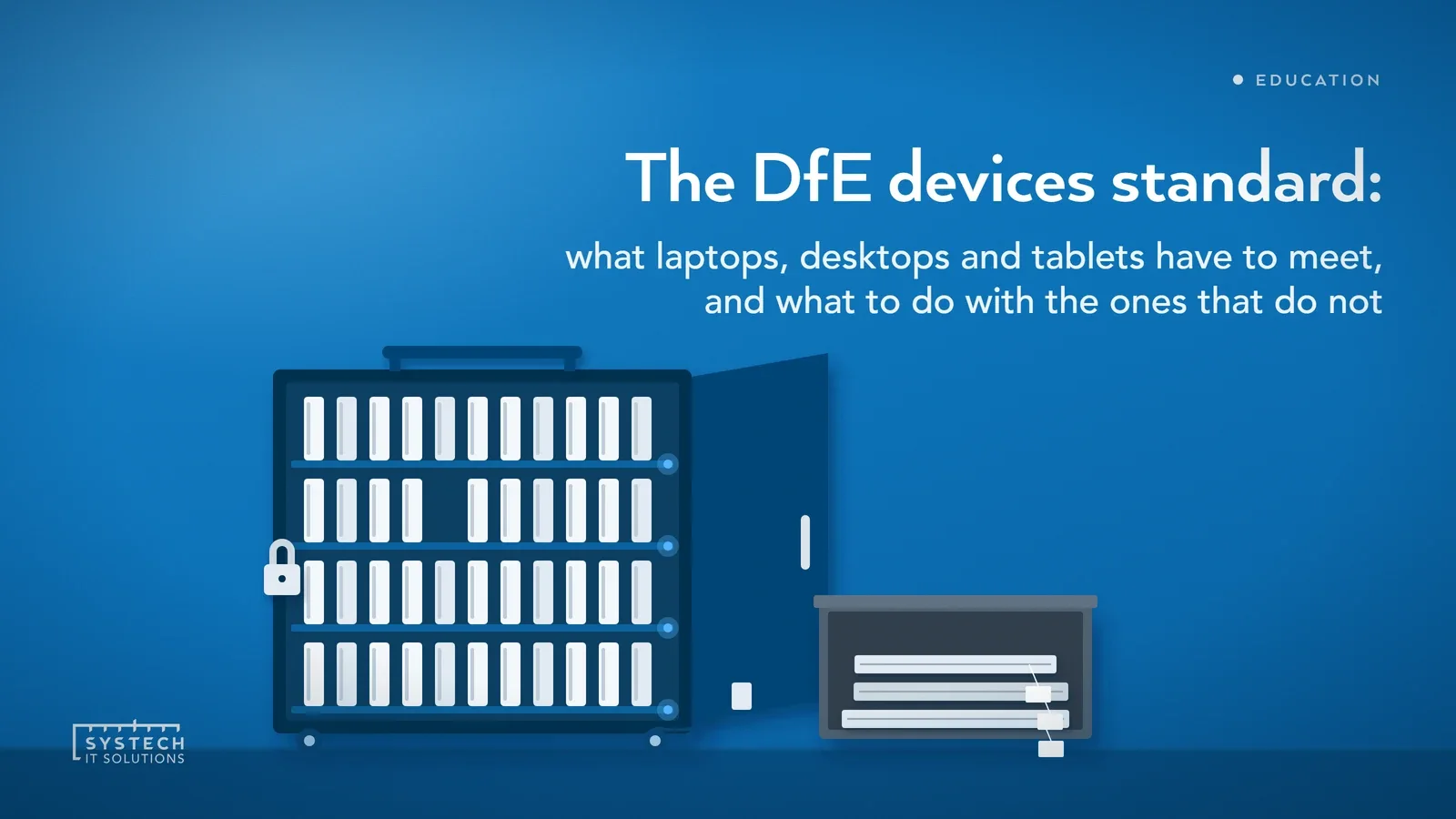
Devices are the part of the IT estate everyone can see, and the part most often bought in a hurry. The DfE's standard is less about which laptop to buy and more about whether you can show why you bought it, how it is managed, and how it leaves.
In short: The DfE's laptops, desktops and tablets standard is not a core standard and has no 2030 date, but part of it applies now. It asks four things: devices follow your digital technology strategy; devices are safe and secure, which should be met now; devices meet minimum requirements for operating system, support life, warranty, Wi-Fi and tablet screen size; and devices are energy efficient and disposed of under the WEEE regulations. Any device that cannot run a supported, patched, education-grade operating system should be replaced now. The first step is an asset register with the operating system and support end date for every device.
What does the standard actually ask for?
The devices page on GOV.UK sits outside the six core standards. It has no 2030 line and no dependencies section. It has four requirements, each with its own trigger, in this order:
- "Devices should meet educational needs and support the digital technology strategy"
- "Devices should be safe and secure"
- "Devices should meet or exceed the minimum requirements"
- "Make sure devices are energy efficient and bought and disposed of sustainably"
The page's opening line is worth repeating to governors: "Having the right devices for students and staff will help support the digital technology strategy of the school or college." Devices serve the strategy. They are not the strategy.
When do you have to meet it?
The four requirements do not share one date, which is why a single "are we compliant" answer is hard to give. The DfE's own wording:
- Educational needs and strategy: "when the SLT review the use of laptops, desktops and tablets, or buy new devices".
- Safe and secure: "should be met now for all laptops, desktops and tablets currently used".
- Minimum requirements: devices "should be replaced or upgraded now if they do not meet the operating system requirements of this standard". For everything else, check whether devices can be upgraded or repurposed, and meet the standard when buying new.
- Energy and disposal: "The WEEE regulations are a legal requirement." Energy efficiency applies the next time you invest in new devices.
So two things are "now": secure, central management of every device in use, and replacing any device that cannot run a supported, patched, education-grade operating system. The rest is triggered by purchase and review.
Devices follow the strategy, not the other way round
The first requirement ties this page back to the digital leadership and governance standard. The DfE sets out three steps, in order: create a digital technology strategy, identify the device needs of students and staff, then assess the security and technical requirements with IT support.

That order matters. A school without a strategy chooses devices on price and habit. The DfE asks the SLT digital lead to work with other SLT members so device decisions fit the strategy, and with IT support on whether devices meet needs. Its needs questions are practical:
- Who uses the devices, where are they kept, and what are they used for.
- How many and what type, and any physical requirements.
- What level of support and training goes with them.
- Whether to buy new or repurpose what you already have.
If the strategy does not exist yet, close that gap first; the governance standard post explains why.
What does "safe and secure" mean for a school device?
This is the requirement with the most detail and the one that applies now. The DfE gives the SLT digital lead ownership: they "should make sure all devices are centrally managed and meet the needs of those using them". IT support checks devices are configured securely and reviews their filtering and monitoring requirements with the designated safeguarding lead. The data protection officer is involved on data security.
The safeguarding link is explicit. IT support "should work with the designated safeguarding lead to check and confirm all devices meet the Keeping children safe in education (KCSIE) requirements for" information security and access management, and filtering and monitoring.
The DfE also says "All new devices must be compatible with existing filtering, monitoring and security systems." If an existing device is not compatible, look at alternatives before using it. Our filtering and monitoring post covers what that compatibility means in practice.
The secure configuration list the DfE sets out:
- A firewall, on the network or on the device.
- VLANs separating device and user types.
- Managed anti-virus and anti-malware.
- "Enterprise or education-grade operating systems, including support and up-to-date security patches."
- Labels or tags on each device, recorded in the asset register.
- "Accessibility features that are not blocked by security policies."
- Central management by IT support: consistent policies, patching, the asset register and browser restrictions.
- Mobile device management for portable devices, with remote lock and wipe, and secure apps.
- A DPIA, supported by the DPO, for existing devices and whenever new ones are bought, covering personal data, off-site use and BYOD.
For a Microsoft school, most of that list is Intune and Defender configuration on licences you already hold. Our Intune device management checklist maps the items to the policies that deliver them. The pattern we see is not missing tools. It is devices enrolled and never given a policy, and an asset register that stopped matching the cupboard two years ago.

"The DfE does not ask which laptop you bought. It asks whether you can show it is managed, patched, tagged and safe for a child to use."
The minimum requirements, and the Windows 10 problem
The DfE's minimum requirements table has five rows, and nothing about processor, memory, storage or battery. IT support should review it, and devices should be reviewed once a year against any changes to it.
| Requirement | DfE minimum |
|---|---|
| Operating system | Enterprise or education-grade, designed for professional rather than home use |
| Support and security patches | 5 years for laptops and desktops, 3 years for tablets, when repurposing, upgrading or buying new |
| Warranty length | 3 years for laptops and desktops, 2 years for tablets |
| Wireless connection | 802.11ac Wave 2 as a minimum, Wi-Fi 6 (802.11ax) recommended |
| Screen size (tablets only) | 9.7 inches |
The operating system row is the live one. Windows 10 stopped receiving free security updates in October 2025, and the DfE says devices that do not meet the operating system requirement "should be replaced or upgraded now". A Windows 10 laptop that cannot take Windows 11 fails that row unless it is on paid Extended Security Updates, which get dearer each year. Our Windows 10 ESU vs Windows 11 vs Cloud PC comparison sets out the routes.
Two smaller points. Home editions of Windows are not education-grade, and still turn up on devices bought from retail in a hurry. The Wi-Fi row is a floor: the wireless standard asks for Wi-Fi 7 access points on upgrade, so new devices should meet at least Wi-Fi 6.
Energy, repurposing and disposal
The fourth requirement is the one finance teams tend to like, because the DfE says "Devices can be one of the biggest sources of energy use in schools and colleges." The SLT digital lead works with business professionals and IT support on it. What the DfE asks:
- Existing devices switched off when not in use, with automatic power-off out of hours and only needed tools installed.
- Before buying, check whether existing devices can be repurposed.
- New devices "rated with a low energy certification, such as Energy Star".
- On disposal, meet the "Waste Electrical and Electronic Equipment (WEEE) regulations and data protection requirements", keep certificates for WEEE, disposal and data destruction, remove or destroy the data, and update the asset register.
The disposal certificates are the item most often missing when someone asks. Old laptops leave in a box, the register is never updated, and there is no record that the drives were wiped. A recycler who issues data destruction certificates by serial number fixes that.
How to evidence it to governors
Behind a short written answer for governors sits:
- An asset register listing every device with its tag, operating system, support end date and warranty end date.
- A count of devices that fail the operating system row, and the holiday window for replacing them.
- Confirmation from the DSL that the KCSIE checks have been done for the device estate.
- MDM enrolment figures: how many devices are managed, patched and able to be remotely wiped.
- The DPIA for devices, and the date it was last reviewed.
- Disposal and data destruction certificates for the last twelve months.
- The energy certification of the last devices bought.
None of that needs a site visit. Most of it comes out of Intune and the asset register in an afternoon, and the gaps are the real to-do list.
Where Systech fits
We are a Microsoft-first managed IT provider, and on this standard our endpoint management service does the central management the DfE describes: enrolling devices in Intune, applying a security baseline that leaves accessibility features working, keeping patching current, and maintaining the asset register with support and warranty dates so the annual review is a report rather than a project. We plan Windows 10 replacements around holidays, not term time.
We do not run the safeguarding review, which stays with your DSL, and we do not issue disposal certificates ourselves; we manage the recycler and file what they issue. What we give you is the evidence: enrolment, patch status, DPIA input and disposal records a governor can read.
Our free 60-minute DfE digital standards baseline covers devices alongside the other eleven standards, and the findings are yours whether or not you work with us. The standards guide collects the whole series.
Frequently asked
Does the DfE say schools must replace Windows 10 laptops?
The DfE's laptops, desktops and tablets standard says devices should be replaced or upgraded now if they do not meet its operating system requirement, which is an enterprise or education-grade operating system with support and up-to-date security patches. Windows 10 stopped receiving free security updates in October 2025, so a Windows 10 device that has not moved to Windows 11 or onto paid Extended Security Updates no longer meets that row. The DfE does not name Windows 10 itself; the rule is about supported, patched operating systems. Before buying, the DfE asks schools to check whether existing devices can be upgraded or repurposed. In practice that means an inventory split into devices that can take Windows 11, devices that cannot, and a holiday window to move the first group.
How long should a school laptop or tablet be supported for under the DfE standard?
The DfE's minimum requirements say that when repurposing, upgrading or buying new devices, laptops and desktops should have 5 years of manufacturer support and security patches, and tablets should have 3 years. Warranty length is separate: 3 years for laptops and desktops, 2 years for tablets. The standard also asks that devices support the 802.11ac Wave 2 wireless standard as a minimum, with Wi-Fi 6 (802.11ax) recommended, and that tablets have a 9.7-inch screen. Those five rows are the whole table; the DfE sets no minimum for processor, memory, storage or battery. IT support should review the table when buying, and the DfE asks for devices to be reviewed once a year against any changes to it.
What does the DfE say about disposing of old school laptops and tablets?
The DfE's fourth device requirement covers energy efficiency and sustainable purchase and disposal. It states that the Waste Electrical and Electronic Equipment (WEEE) regulations are a legal requirement. On disposal, the DfE asks schools to make sure WEEE and data protection requirements are met, to obtain certificates for WEEE, disposal and data destruction, to remove or destroy the data on each device, and to update the asset register. Before disposing of anything, the DfE asks you to check whether existing devices can be repurposed. When buying replacements, it asks for devices rated with a low energy certification such as Energy Star, and for existing devices to be switched off when not in use with automatic power-off out of hours.
Is the laptops, desktops and tablets standard one of the six DfE core standards?
No. The six core standards the DfE says all schools and colleges should be working towards by 2030 are broadband internet, wireless network, network switching, digital leadership and governance, filtering and monitoring, and cyber security. Laptops, desktops and tablets is one of the six other standards, alongside cloud solutions, digital accessibility, IT support, network cabling, and servers and storage. It carries no 2030 date. Parts of it still apply now: the DfE says the safe and secure requirement should be met now for every device in use, and that devices which do not meet the operating system requirement should be replaced or upgraded now. The rest is triggered when the SLT reviews device use or buys new devices.