+44 (0)1482 770583
 hello@systechitsolutions.co.uk

Windows 10 support ended on 14 October 2025. The machines carried on booting, which is exactly why so many estates are still running it. But the security updates stopped, the compliance clock started, and every month that passes adds unpatched vulnerabilities to devices that will never receive a fix. There are three honest routes forward, and the right one depends almost entirely on your hardware.
In short: Extended Security Updates buy security patches only, at a per-device annual cost that rises sharply each year, and end after three years. Upgrading to Windows 11 returns you to a fully supported operating system at little or no licence cost, but only for hardware that meets the TPM 2.0, Secure Boot and supported-processor requirements. Moving to a Cloud PC takes the desktop off the physical device entirely, so hardware age stops governing the operating system, in exchange for an ongoing per-user subscription. Most estates end up using all three: upgrade what qualifies, bridge the blockers on ESU, and move the rest to Cloud PCs rather than replacing them.
This guide is for businesses that still have Windows 10 devices in service and need to decide what to do about it, particularly where a compliance requirement or an insurance renewal has made the deadline concrete. It compares the three routes on cost shape, effort and how long each one actually buys you.
The three routes, in plain terms
Extended Security Updates
ESU is a paid programme that continues delivering security updates for Windows 10 after end of support. It is deliberately narrow: security patches only, with no new features, no non-security fixes and no general technical support. It runs for three years from end of support, priced per device per year, and the price steps up substantially each year.
The critical thing to understand is that ESU is not a destination. Microsoft has priced it to be increasingly uncomfortable, because its purpose is to buy time for a migration that is already planned, not to defer the decision indefinitely. It is also bought in sequence, so skipping a year and rejoining later generally means paying for the year you skipped too.
Used well, ESU is genuinely useful: it takes deadline pressure off a specific set of devices with a specific blocker while that blocker is resolved. Used badly, it becomes an annual payment that funds inaction and gets more expensive every time.
Upgrading to Windows 11
For hardware that qualifies, this is the straightforward answer and usually the cheapest. Windows 11 is a free upgrade for licensed Windows 10 devices, so the cost sits in the work rather than the licence: application compatibility testing, driver and peripheral checks, user communication, and the rollout itself.
The constraint is the hardware requirements. Windows 11 needs TPM 2.0, Secure Boot, UEFI firmware and a processor on Microsoft's supported list, and it is the processor requirement that excludes most machines. Devices that feel entirely adequate are frequently ruled out by CPU generation alone.
One detail is worth checking before writing hardware off: some devices fail only because TPM or Secure Boot is switched off in firmware rather than missing. A proper readiness scan usually reclaims a meaningful share of an estate that a quick assumption would have condemned.
Moving to a Cloud PC
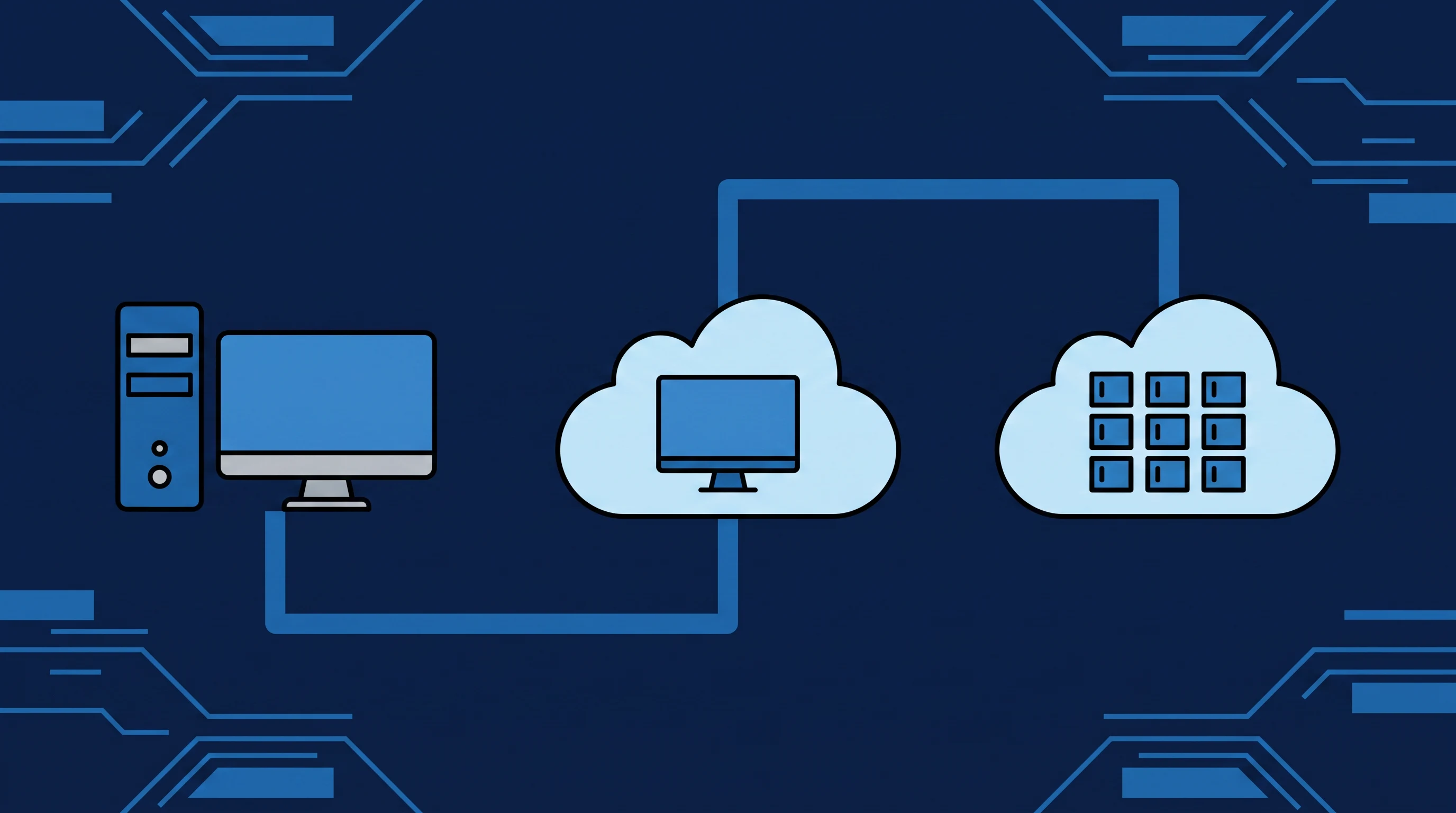
The third route changes the question rather than answering it. With Windows 365 or Azure Virtual Desktop the operating system runs in Microsoft's cloud and the physical device becomes an access terminal. A machine that cannot run Windows 11 locally can very comfortably run a browser or a remote desktop client, so hardware that fails the requirements can continue in service for years as a thin client.
Which of the two you land on matters, because they are priced and managed very differently. Our Windows 365 consultancy covers the fixed per-user Cloud PC route, where nothing has to be sized; our Azure Virtual Desktop consultancy covers the cases where pooled multi-session hosts, autoscaling or GPU-backed workloads justify the extra design effort.
That is the structural appeal: it ends the recurring cycle where the hardware refresh calendar dictates the operating system calendar. It also moves cost from a periodic capital bill to a steady per-user subscription, which some businesses prefer and others do not.
"ESU buys time. Upgrading buys a supported estate. A Cloud PC changes the question, so that the age of the laptop on the desk stops deciding which operating system you are allowed to run."
The full comparison
| Windows 10 ESU | Upgrade to Windows 11 | Move to a Cloud PC | |
|---|---|---|---|
| What it solves | Security patching only | Returns you to full support | Removes hardware as the constraint |
| Cost shape | Per device, per year, rising each year | Mostly project effort, plus replacement hardware | Ongoing per-user subscription |
| Hardware implications | None, runs on what you have | Non-qualifying devices must be replaced | Existing devices continue as thin clients |
| Immediate effort | Lowest | Moderate, concentrated in app testing | Highest, changes how the estate is run |
| How long it buys | Three years maximum, then nothing | A normal support lifecycle | Ongoing, no refresh cliff |
| New features | None | Yes | Yes |
| Best suited to | Devices with a specific unresolved blocker | Estates where most hardware qualifies | Estates facing mass replacement, or hybrid work |
How to decide: start with a hardware count
Almost every sensible version of this decision begins with one number: what proportion of your devices actually meet the Windows 11 requirements? Until you know that, every option is speculation.
If most of the estate qualifies, upgrading in place is nearly always the right answer. It is the cheapest route, it returns you to a supported platform, and the remaining work is application testing rather than procurement.
If a large share fails, the arithmetic changes. A business facing replacement of most of its laptops at once is looking at a substantial capital bill, and that is exactly the situation where Cloud PCs become financially interesting rather than merely modern, because the existing hardware keeps working as an access device instead of going to disposal.
If a small number of devices fail and the rest qualify, the mixed answer is usually best: upgrade everything that can be upgraded, and make a deliberate decision per remaining device about whether to replace it, bridge it on ESU, or move that user to a Cloud PC.
The dependency that actually blocks people
In practice the operating system is rarely the hard part. The blocker is almost always a line-of-business application: something that only runs on Windows 10, or is certified against it, or was installed years ago by a supplier who no longer exists, or depends on a component that a current operating system will not load.
This is where ESU earns its place. Buying a defined period of security updates for the specific devices running that application is a reasonable way to take deadline pressure off while the application problem is solved properly. What is not reasonable is buying ESU without simultaneously starting that work, because the programme ends whether or not the dependency has been resolved.
Where the application is the obstacle, application packaging and MSIX conversion can often move it onto a supported platform without source code or original media, and broader application modernisation covers the cases where replatforming or an Azure migration is the better answer. Our write-up on legacy apps and their security, cost and carbon impact covers why these applications tend to cost more than they appear to.
Do not plan the desktop in isolation
Windows Server 2016 reaches end of extended support on 12 January 2027. If you have both problems, and many businesses do, planning them together is meaningfully more efficient than running two projects, because the difficult part is identical: understanding which applications depend on what, and which of those dependencies are genuine rather than assumed.
The discovery work substantially overlaps. So does the remediation, since an Azure migration or a replatforming exercise often resolves the desktop and server sides of the same application at once. Our Windows Server 2016 end of support guide covers that side of the timeline in detail.
How we approach it
We start with a readiness assessment rather than a recommendation, because the recommendation depends on numbers nobody has yet. That means a full device inventory, a Windows 11 eligibility check across the estate including devices that fail only on firmware settings, and an application dependency map that identifies which software is genuinely tied to Windows 10 rather than assumed to be.
The plan is usually a mix, with dates attached
Three moves, in this order:
- Upgrade the qualifying devices first. It shrinks the problem immediately and cheaply.
- Put a defined ESU period around the genuine blockers, so the exception has an end date rather than becoming permanent.
- Evaluate Cloud PCs for the users and devices where replacement would otherwise be the only option.
If the Cloud PC route is on the table, our AVD vs Windows 365 vs traditional desktops comparison covers how those two platforms differ and which suits which workload, and the engagement itself runs as either Windows 365 consultancy or Azure Virtual Desktop consultancy depending on where that lands.
Windows 10 without ESU will not certify
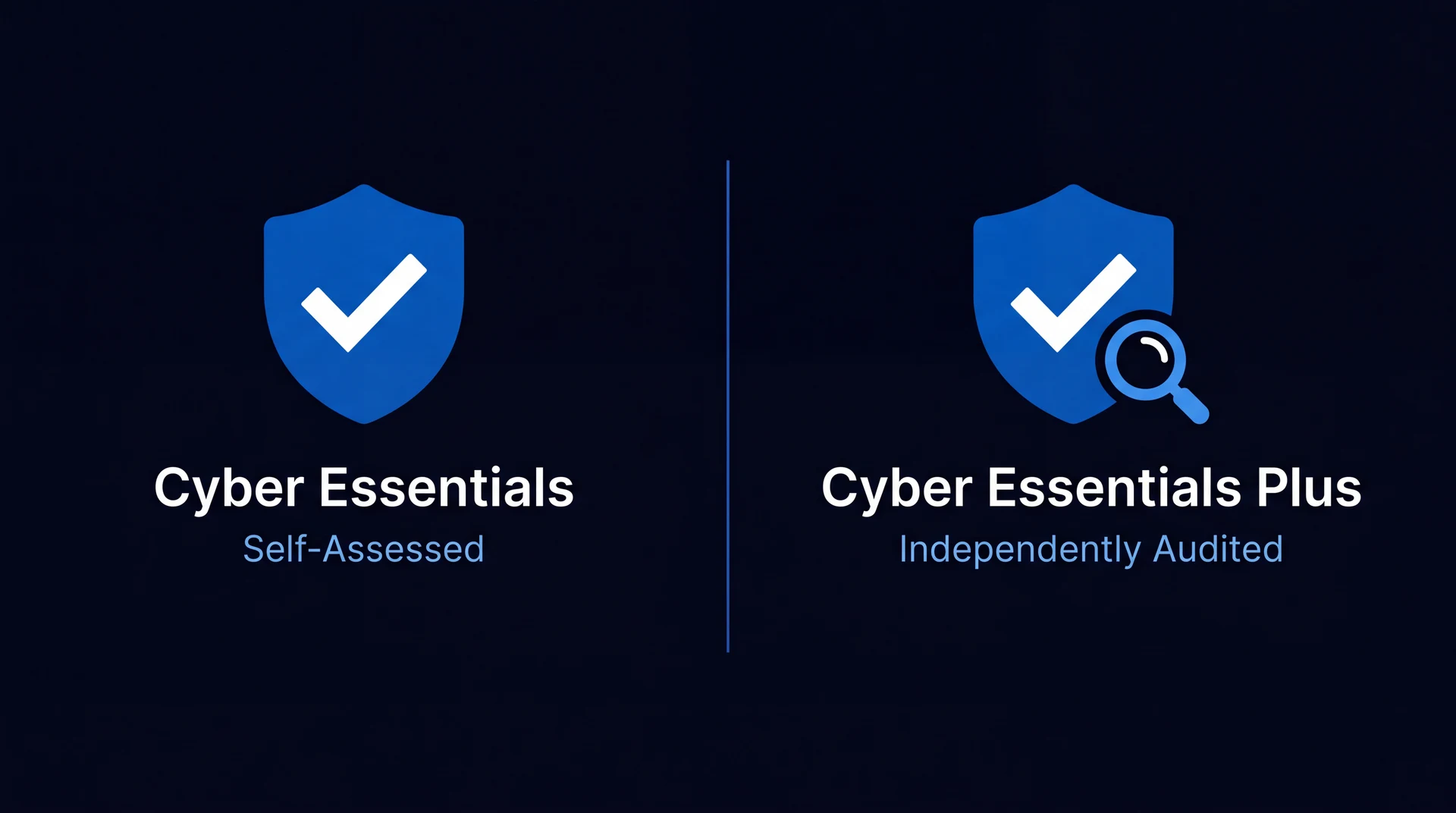
The certification angle is worth naming too. If you hold Cyber Essentials or are working towards it, unsupported software in scope is a hard fail, so an estate still on Windows 10 without ESU will not certify. Our Cyber Essentials vs Cyber Essentials Plus guide covers what that requirement means in practice.
Related reading
You can read more on our legacy modernisation and OS migration and end-user computing service pages, or see our legacy migration roadmap for the planning framework. We work with businesses across Yorkshire and the UK from our base in Brough, East Yorkshire, including Hull, Leeds, Sheffield and York, with the full coverage area listed if you are elsewhere. If you want a straight read on how many of your devices actually qualify, get in touch and we will run the numbers first.
This is one of a series. The rest, covering licensing, desktops, support models and certification in the same format, are listed on all our IT comparison guides.
Frequently asked
What actually happens now Windows 10 support has ended?
Windows 10 reached end of support on 14 October 2025. The machines did not stop working, and that is precisely what makes the risk easy to underestimate. What stopped is the flow of security updates: newly discovered vulnerabilities in Windows 10 are no longer fixed for devices outside the Extended Security Updates programme. The practical consequences arrive on three fronts. Security exposure compounds over time, because every month adds unpatched vulnerabilities to a device that will never receive a fix. Compliance obligations bite sooner than most people expect, since Cyber Essentials and most cyber insurance policies require software to be supported by its vendor, so an unsupported operating system in scope is a straightforward fail rather than a discussion. And application vendors progressively stop testing against and supporting Windows 10, so problems increasingly get met with an instruction to upgrade first.
How much do Extended Security Updates cost, and do they get more expensive?
Yes, and the escalation is the defining feature of the programme rather than a detail. Commercial ESU for Windows 10 is priced per device per year, and the price increases substantially each year across the three-year programme, with each year's cost stepping up from the last. Microsoft has designed it that way deliberately: ESU is intended as a bridge that becomes progressively less attractive, not as a stable long-term arrangement. There is also a cumulative catch worth knowing about. ESU is bought in sequence, so an organisation that skips the first year and wants coverage in the second generally has to buy the earlier year as well, which means delaying the decision does not avoid the earlier cost. Budget on the assumption that each additional year costs more than the one before, and that the total across the programme approaches or exceeds the cost of simply replacing an older device.
What if our hardware does not meet the Windows 11 requirements?
This is the constraint that drives most of the decision, and it is worth measuring precisely rather than assuming. Windows 11 requires TPM 2.0, Secure Boot, UEFI firmware and a processor on Microsoft's supported list, and the processor requirement is what excludes most otherwise-serviceable machines. Plenty of devices that feel perfectly adequate are ruled out by their CPU generation alone. Some devices fail only because TPM or Secure Boot is disabled in firmware rather than absent, and those are recoverable with a settings change rather than a purchase, so a proper readiness scan usually reclaims a percentage of the estate that a spreadsheet would have written off. For genuinely ineligible hardware there are three honest options: replace the device, keep it on ESU while you plan, or stop treating the local hardware as the thing that runs the operating system and move the desktop to a Cloud PC, which is exactly the situation where that third route becomes financially interesting.
Is moving to a Cloud PC cheaper than buying new laptops?
It depends on the shape of the cost you prefer, not simply the total. Replacing hardware is capital expenditure concentrated at a point in time, followed by several quiet years, then another refresh. A Cloud PC converts that into an ongoing per-user subscription with no refresh cliff, while letting existing hardware continue as a thin client well past the point where it could run a current operating system locally. Over a typical device lifetime the totals are often closer than either side of the argument admits. The cases where Cloud PCs are clearly favourable share a pattern: a large proportion of the estate failing the Windows 11 hardware requirements at once, so the alternative is a single very large replacement bill; a workforce already hybrid or remote, where the desktop being location-independent has value beyond the licensing; or a business that would rather carry a predictable monthly cost than a lumpy capital cycle. Where most hardware already meets the requirements, upgrading in place is usually both cheaper and simpler.
Can we mix these approaches across one estate?
Yes, and for most businesses of any size a mix is the realistic answer rather than a compromise. The three routes address different constraints, and estates rarely have just one constraint. A common pattern is to upgrade every device that already meets the Windows 11 requirements straight away, since that is the cheapest and least disruptive move available and it shrinks the problem immediately. Devices that fail the requirements but are tied to a specific application or workflow go onto ESU for a defined period while that dependency is resolved. Users whose work suits it move to Cloud PCs, which lets their existing hardware carry on as a thin client rather than being replaced. What makes a mix work is treating it as a plan with dates rather than a permanent arrangement, because the failure mode is an estate where ESU quietly becomes the default for anything difficult and the same conversation happens again when the programme ends.
What about Windows Server 2016, which is heading the same way?
Windows Server 2016 reaches end of extended support on 12 January 2027, which is roughly one budget cycle away and close enough that it should be planned alongside the desktop work rather than after it. The pattern is familiar: an ESU programme exists as a paid bridge, the underlying decision is migrate or modernise, and the applications rather than the operating system are what make it difficult. Treating the desktop and server end-of-life problems as one programme is usually more efficient than running them separately, because the hard part in both cases is the same, namely the line-of-business applications with dependencies nobody has fully documented. The discovery work you do for one substantially serves the other, and Azure migration or replatforming often resolves both at once.