Part 7 of 13 in Meeting the DfE digital and technology standards.
Somewhere in your school there is a cabinet nobody opens. The switches in it were installed by a company that may no longer exist, and they carry every register, lesson, phone call and safeguarding alert in the building.
In short: The DfE network switching standard is one of the six core standards schools and colleges should be working towards meeting by 2030. It asks for four things: switches that give every desk at least 1Gbps and every hub room a 2x10Gbps link to the core, a central management platform with at least 5 years of manufacturer support, security features such as network access control and documented admin accounts, and core switches with dual power supplies on at least one UPS. The DfE says equipment that can no longer receive firmware and security updates should be replaced. The first step is to find out what is in the cabinet and whether it is still supported.
What does the standard actually ask for?
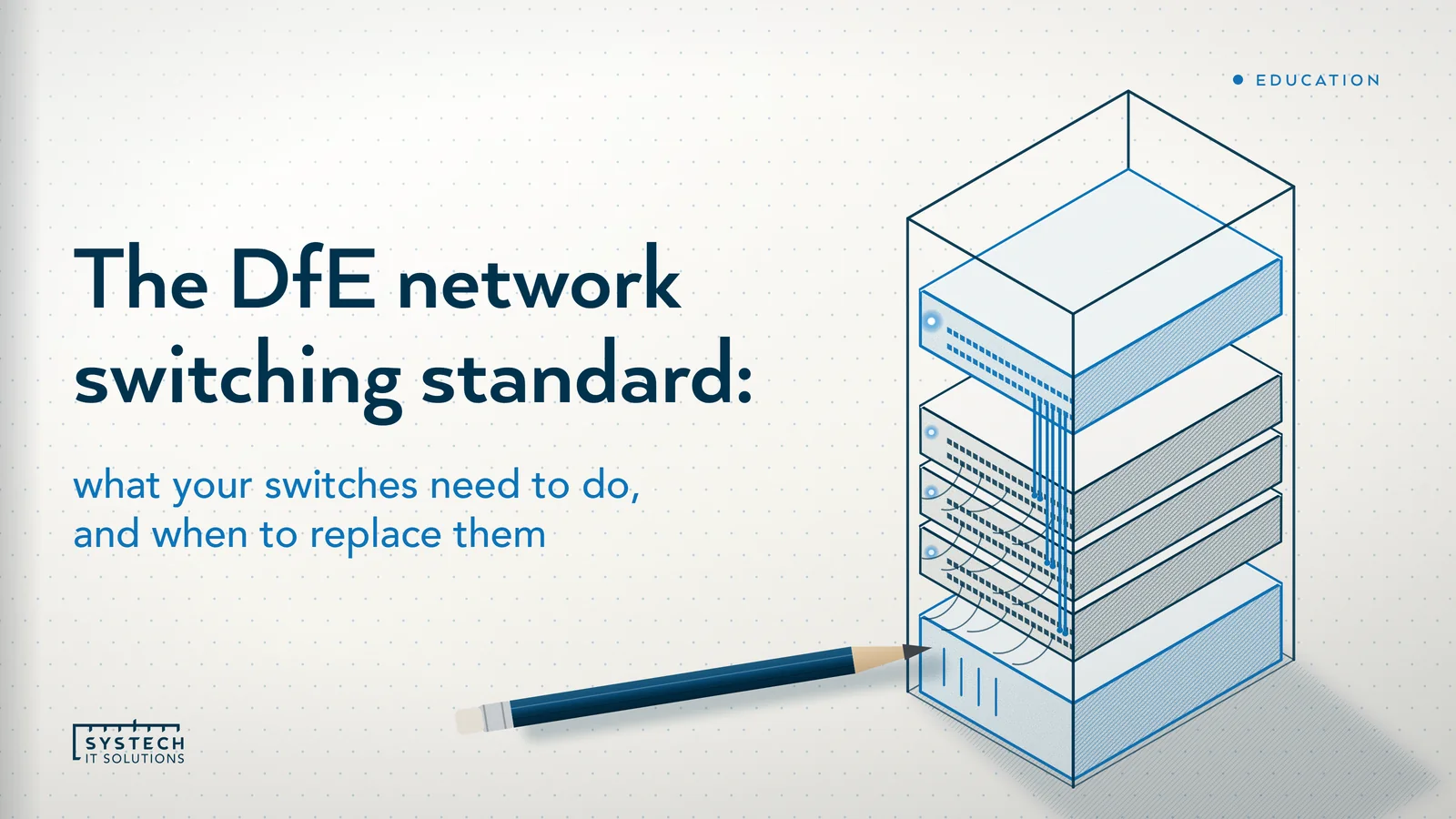
The network switching core standard asks you to "make sure your school or college has proper network switches and switching infrastructure for reliability, security and resilience". It sets out four requirements, in the DfE's own words and order:
- "The network switches should provide fast, reliable and secure connections to all users both wired and wireless"
- "Have a platform that can centrally manage the network switching infrastructure"
- "The network switches should have security features to protect users and data from unauthorised access"
- "Core network switches should be connected to at least one UPS to reduce the impact of outages"
The DfE's reasoning is simple: "you will have a high number of users accessing the network at the same time", so the switching needs to be "resilient, efficient and secure". The switches sit between the broadband standard, which brings the connection in, and the wireless standard, which delivers it to devices. Our DfE digital standards guide shows how the six core standards fit together.
When do you have to replace switches?
The DfE's timing for the first two requirements is "when you need to replace your current solution that is underperforming or unsupported". For the security and resilience requirements it adds "or following a scheduled maintenance or configuration review".
The line that turns this into a decision is under the management requirement: "equipment that is no longer able to receive firmware and security updates should be replaced". Age is not the test. Support is. A switch that still forwards packets but can no longer be patched is, in the DfE's terms, due for replacement.

The DfE also gives you the horizon for the next cycle. Switches "should include a manufacturer warranty and support arrangement (telephone, email and web) including licences, software enhancements and firmware updates, providing 5 years of cover as a minimum". Buy on that basis and the replacement date is known from the day of installation, which belongs in the capital plan.
The numbers the DfE sets
The first requirement is where the specific figures live. The DfE says switches should "provide a minimum of 1Gbps connectivity to the user device deployed to the desktop", with "higher-speed (multi-gigabit) ports" for "servers, media devices and wireless access points". Switches powering devices "such as wireless access points, CCTV, access control and telephones must comply with power requirements outlined by the device manufacturer".

| Item | What the DfE asks for |
|---|---|
| To the desk | Minimum 1Gbps to each user device |
| High-bandwidth devices | Multi-gigabit ports for servers, media devices and wireless access points |
| Stacked switches | 40Gbps interconnects between switches in a stack |
| Hub room to core | Minimum 2x10Gbps, "with links taking different routes where possible" |
| Memory and tables | Minimum 512MB core memory; minimum 16,000 concurrent MAC addresses |
| Switching fabric | Non-blocking, with MST or RST spanning tree support |
| Power over Ethernet | IEEE 802.3af, at or bt as required by the powered devices |
| Discovery and energy | LLDP-MED enabled; Energy-Efficient Ethernet to at least IEEE 802.3az or equivalent |
Two of these deserve a plain-English note. Multi-gigabit ports matter because a Wi-Fi 7 access point can have a 2.5Gbps, 5Gbps or 10Gbps interface, and a 1Gbps port caps it. Diverse routes for the hub-to-core links matter because a single cut cable or failed module should not take a whole block offline.
The DfE also names the dependency: "the performance of your network switches may be affected by the specification and quality of your network cabling". A 10Gbps uplink over cabling that cannot carry it is 10Gbps on paper only, which is why the cabling standard belongs in the same plan.
Central management and five years of support
The second requirement asks for "a central management tool that can be used to configure the switching (core and edge), monitor performance and provide alerts in the event of a failure". The word "edge" matters. A platform that covers the core but leaves the classroom switches as unmanaged boxes does not meet the wording.
Alongside the tool, the DfE lists what should come with the switches:
- A manufacturer warranty and support arrangement, by telephone, email and web, "including licences, software enhancements and firmware updates, providing 5 years of cover as a minimum".
- Replacement of "equipment that is no longer able to receive firmware and security updates".
- A system administrator training package "approved by your manufacturer", "appropriate to the scale of the solution" and "covering all security elements for the solution".
The training item is the one most often left off the quote. A well-built network with nobody who knows how to administer it is one departure away from a problem, which is why the DfE ties the training to the security elements.
"Nobody budgets for the switches until the day they stop, and by then the holiday you needed has already gone."
Security and resilience in the cabinet
The third requirement covers how the switches protect users and data. The DfE says switches should be "configured to support network segregation, security and quality of service" without affecting performance, that "any administrative accounts that have access to make configuration changes, must be secure and fully documented", and that "the delivery of software updates should be set to automatically update as soon as they are available and manual checks should also be undertaken".
Its technical requirement is network access control: "you should ensure that you have implemented network access controls (NACs) and policy management that ensures authorised mobile user devices or guest user roles are securely authenticated onto the network".
The fourth requirement is resilience. The DfE asks you to make sure "critical switches and their connections have been identified to ensure any failure of any single element will not cause a major outage". Critical core switches should have at least:
- 2 power supplies, so one failed unit or one tripped circuit does not stop the core.
- 2 management modules, so a failed controller does not.
- 2 connections "to other critical infrastructure such as routers, servers and other core switches".
- At least one UPS, so a brief power cut does not become a full network restart.
The switching page gives no UPS run-time figure. The servers and storage standard does, and the broadband standard separately asks for redundant power on core active equipment, so one UPS in the core room usually serves all three.
How to audit the cabinet you inherited
You do not need a site survey to get a first answer. You need someone with access to the cabinet, a phone camera and an hour, ideally not in the first week of September.
- Photograph every switch, front and back. Model numbers and serial labels tell you what it is; the lights tell you which ports are in use.
- Look up the support status. For each model, check whether the manufacturer still issues firmware and security updates. Anything that does not is on the replacement list, whatever its age.
- Find the warranty and support contract. If there is one, note the end date. If there is not, that is a gap against the 5-year minimum.
- Count the uplinks. Is each hub room connected to the core by two 10Gbps links on different routes, or by one cable?
- Check the power. How many power supplies does the core switch have, and are they on a UPS? When was the UPS battery last tested?
- Ask who can log in. Is there a written list of administrative accounts, and does the management tool cover the classroom switches as well as the core?
- Ask what a spare port gets you. Plug a laptop into an unused wall socket. If it joins the staff network without asking, there is no network access control.
The result is a one-page statement against each of the four requirements: met, partly met or not met, with a replacement list and dates. That is a capital plan in draft, and the answer a governor or trustee is going to ask for.
Where Systech fits
We design, specify and manage school switching estates. We do not manufacture switches or install cabling ourselves; for cabling we design, specify and verify the work and manage the installers. What we do directly is the audit above, written up against the DfE's wording, then a specification so every quote answers the standard: 1Gbps to the desk, multi-gigabit and PoE for access points, 2x10Gbps diverse uplinks, 5 years of support, manufacturer-approved training and management that covers the edge.
We configure network access control, segregation and QoS, document the admin accounts, set updates to apply automatically, and give you the evidence in writing. Our networking services and education IT services cover the whole sequence, and we schedule disruptive work into holidays.
If you want a written answer to "what is in the cabinet, and is it still supported?", book a free DfE standards baseline. It is a 60-minute conversation across all twelve standards, the six core ones first, and the findings are yours whether or not you go further with us.
Frequently asked
What does the DfE network switching standard require?
The DfE network switching standard is one of the six core standards schools and colleges should be working towards meeting by 2030. It has four requirements. Switches should provide fast, reliable and secure connections to all users, wired and wireless, with a minimum of 1Gbps to each desktop device, multi-gigabit ports for servers and wireless access points, and 2x10Gbps links from hub rooms back to the core. There should be a platform that centrally manages the switching infrastructure, with a manufacturer warranty and support providing 5 years of cover as a minimum. Switches should have security features to protect users and data, including network access controls and documented admin accounts. And core switches should be connected to at least one UPS, with dual power supplies, dual management modules and dual connections to other critical equipment.
When does a school need to replace its network switches?
The DfE says you should meet the network switching standard when you need to replace your current solution because it is underperforming or unsupported, and for the security and resilience requirements it adds a third trigger: following a scheduled maintenance or configuration review. The most useful line on the page is that equipment that is no longer able to receive firmware and security updates should be replaced. So the question to ask is not how old the switches are but whether the manufacturer still issues updates for them. The DfE also expects switches to come with a manufacturer warranty and support arrangement covering licences, software enhancements and firmware updates for 5 years as a minimum, which gives you a planning horizon for the next replacement from the day the new ones are installed.
Do school network switches need a UPS?
Yes, for the core. The fourth requirement of the DfE network switching standard is that core network switches should be connected to at least one UPS to reduce the impact of outages. The DfE asks you to make sure critical switches and their connections have been identified so that failure of any single element will not cause a major outage, and it names the measures involved: multiple power supplies, UPS solutions and dual connections between switches. Its technical requirement is that critical core switches should have at least 2 power supplies, 2 management modules and 2 connections to other critical infrastructure such as routers, servers and other core switches, and should be connected to at least one UPS. The switching page does not give a UPS run-time figure; the DfE's servers and storage standard does.
What speed should school network switches provide?
The DfE network switching standard sets several figures. Switches should provide a minimum of 1Gbps connectivity to the user device at the desktop. Higher-speed multi-gigabit ports should support equipment that needs high bandwidth, such as servers, media devices and wireless access points. Where switches are stacked, they should support 40Gbps interconnects between switches in the stack. Connections from switches or stacks in hub rooms back to the core server room must use a minimum of 2x10Gbps, with links taking different routes where possible. Switches should also have at least 512MB of core memory, support at least 16,000 concurrent MAC addresses, use a non-blocking switch fabric, support MST or RST spanning tree, comply with IEEE 802.3af, at or bt if they provide Power over Ethernet, have LLDP-MED enabled, and meet the IEEE 802.3az Energy-Efficient Ethernet standard or equivalent.