Part 8 of 13 in Meeting the DfE digital and technology standards.
Cabling is the part of the network nobody sees and nobody budgets for. It is also the part that decides whether the Wi-Fi and switching you are about to buy will ever run at the speed on the box.
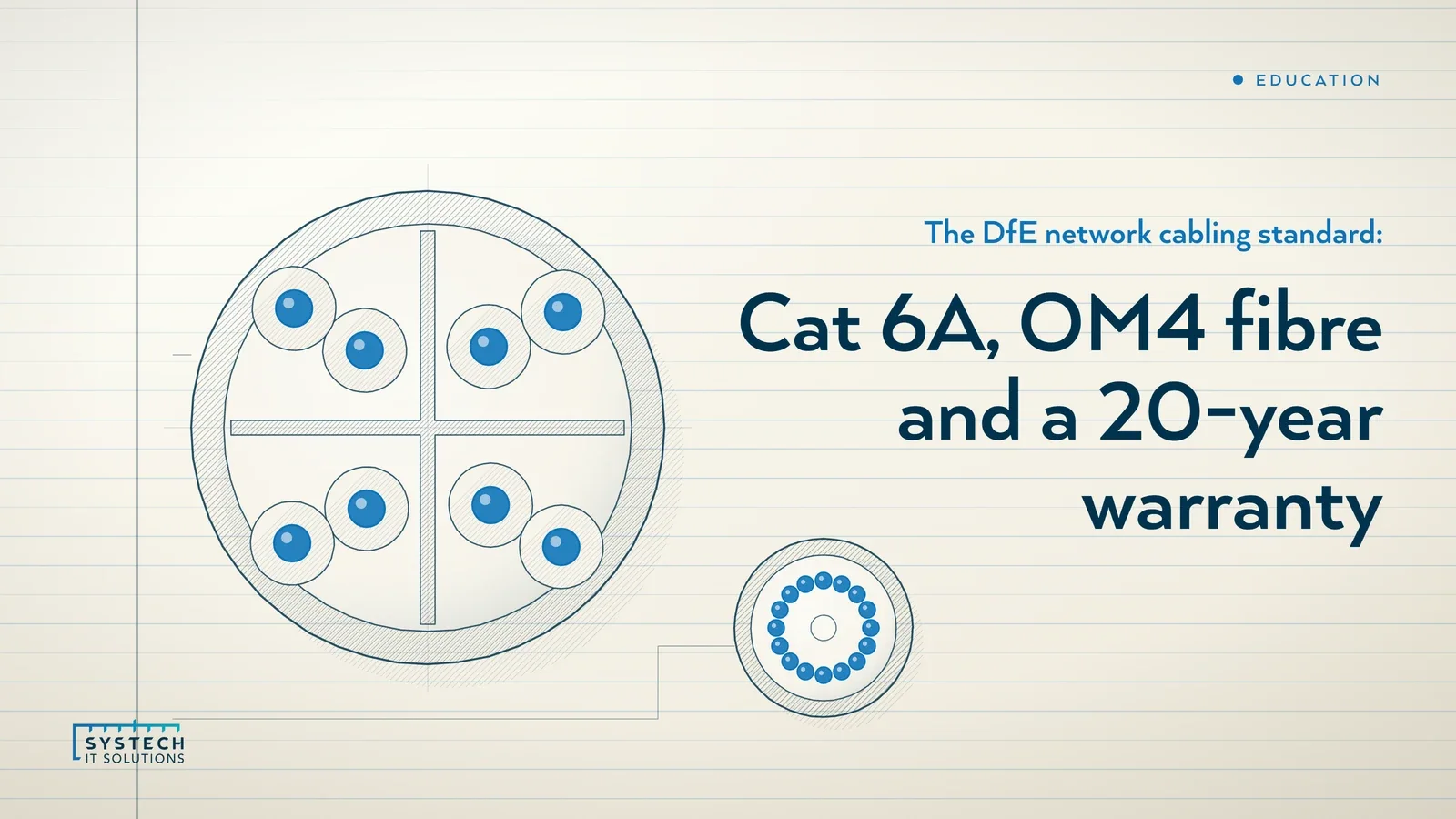
In short: The DfE's network cabling standard asks for three things: copper cabling should be Category 6A, fibre between buildings should be a minimum 16-core multi-mode OM4, and new cabling should be installed and tested to the manufacturer's guidance and warranty terms, with a 20-year performance warranty. It is not a core standard, so it carries no 2030 date. The DfE says to meet it when you replace an underperforming solution, in new building projects, or when you upgrade your wireless network. The first step is to find out what is in your walls today.
What does the cabling standard ask for?
The DfE's network cabling page opens with one sentence: "Make sure you have the right copper cabling, optical fibre cabling and installation in your school or college." It then sets out three standards, in this order.
- "Copper cabling should be Category 6A (Cat 6A)". The DfE says Cat 6A "provides greater data capacity than previous copper cabling standards" and gives schools "the flexibility to increase the volume and specification of the technology they will need to connect to their networks."
- "Optical fibre cabling should be a minimum 16 core multi-mode OM4". OM4 "provides capacity to transfer data over longer distances", and all connections between buildings should use it.
- "New cabling should be installed and tested in line with the manufacturer's guidance, warranty terms and conditions". Approved installers, a full test report and a minimum 20-year performance warranty.
All three sit on the same base: the DfE says you should confirm with your supplier or IT support that all cabling complies with British Standards 6701, 50173 and 50174, "which cover the specification, installation, operation and maintenance of network cabling." That is the sentence to quote if a governor asks what "compliant" means.
When do you have to meet it?
Cabling is one of the six non-core standards. The 2030 target on the DfE standards hub applies to broadband, wireless, switching, governance, filtering and cyber security. The cabling page carries no date at all.
Instead, the DfE gives three triggers. You should meet the standard:
- when you need to replace a current solution that is underperforming,
- in new school or college building projects,
- when you upgrade your wireless network (this trigger applies to the copper standard).
That last one matters more than it looks. Almost every school will upgrade its wireless network before 2030, because the wireless standard sets Wi-Fi 7 as the minimum when you replace an underperforming or unsupported solution. The moment that project starts, the cabling standard is in scope too.
Why cabling caps your wireless and switching
The DfE lists cabling among the six infrastructure standards, and its wireless and switching pages both say performance may be limited by cabling. The reason is physical. A Wi-Fi 7 access point with a multi-gigabit uplink, plugged into a switch that supports it, will run at whatever the cable between them can carry. If that cable is an older category, or was extended past its length limit, the new equipment inherits the old ceiling.
This is why the infrastructure chain in the DfE's own pages runs broadband, then cabling, then switching, then wireless. The broadband standard brings the connection to the building. Cabling carries it to every cabinet and every room. Switching distributes it. Wireless is the last hop, and it can only be as good as the three below it.

"New access points on old cable is the most expensive way to keep the network exactly as slow as it was."
What the copper requirements mean in practice
The technical requirements under the Cat 6A standard are short, and each one is checkable on site or from paperwork.
- U/FTP as the minimum construction. Unshielded outer jacket with foil-shielded pairs. The DfE recommends this as the minimum for Cat 6A.
- Installed length not greater than 90 metres. This is the permanent link from patch panel to outlet. The 90 metres does not include patch leads.
- No intermediate splices or patch panels in a run. One cable, one outlet, one patch panel port. Joins along the way are out.
- Bend radius respected. Cable pulled tight around a corner or crushed under a floor box will not test clean.
- Fire rating of Euroclass Cca s1b.d2.a2. This is a construction products classification for how the cable behaves in a fire. Ask for it on the datasheet.
- Containment that supports the cable and its bend radius. Trays, baskets and trunking sized for the load, not cables draped over ceiling tiles.
- Patch leads of the same type, standard and manufacturer as the installed cable. The drawer of assorted leads in the IT office is where a compliant system most often stops being one.
None of these are exotic. They are the difference between a cabling contractor who installs to a standard and one who installs until the link light comes on.
Fibre between buildings
The second standard applies to any school with more than one building, and to any large single building where cabinets sit further apart than copper can reach. The DfE says all connections between buildings should use OM4 optical fibre cabling, with a minimum of 16 cores.
The technical requirements mirror the copper ones: no intermediate splices or patch panels, and bend radius respected. Two further points are specific to fibre.
- Underground ducts are preferred between buildings. Overhead runs and cable clipped along external walls are the ones we most often see fail after a storm or a roofing job.
- Redundant fibre links via different routes are recommended for critical systems. If one duct is cut by a contractor digging a new path, a second link through a different route keeps the far building online.
Sixteen cores sounds generous for a link that may use two of them today. That is the point. Fibre is expensive to install and cheap to leave dark. A 16-core link between the main block and a teaching block leaves room for a second switch stack, a redundant path and future growth without digging twice.
Installers, test reports and the 20-year warranty
The third standard is about proof. The DfE says cables should be installed by "manufacturer-approved installation partners, with the relevant network infrastructure installed accreditations." The installer "should also provide a detailed test report showing successful test results for all the installed network cables, based on the test limits defined in British Standards 50173." And "a minimum 20-year manufacturer's performance warranty should be provided for the complete cabling system."
These three requirements lock together. A manufacturer only issues a 20-year system warranty when its approved installer has used the matched cable, connectors and panels, and has submitted passing test results for every link. So the warranty certificate is evidence that the installer was approved, the components were a system, and the testing was done.
For a school reviewing a quote, this gives you three questions to ask before anyone lifts a floor tile:
- Which manufacturer's system is being installed, and is the installer approved by that manufacturer?
- Will we receive a full test report for every link, to the BS EN 50173 limits, in electronic form?
- Will the manufacturer issue a 20-year performance warranty for the complete system, in the school's name?
A quote that cannot answer all three is a quote for cable, not for a cabling system that meets the standard.
Where schools usually fall short, and how to evidence it
The pattern we see in inherited estates is not bad cabling so much as unknown cabling. Several generations installed by different contractors, patch panels labelled by room names that changed a decade ago, a test report that nobody can find, and a handful of runs that were extended to reach a mobile classroom. None of it is documented, so nobody can say whether it meets the standard or not.

The good news is that the evidence the standard asks for is exactly the evidence a governor or an insurer wants to see.
- A cabling schedule. Every outlet, its cabinet, its patch panel port, and the cable category. If you do not have one, a survey produces it.
- The test reports. For any cabling installed since the last refresh, the installer's BS EN 50173 results. For older cabling, a sample retest tells you the real category the links achieve.
- The warranty certificate. For the system, in the school's name, with its start date.
- The fibre plan. A drawing of every inter-building link, its core count, its route and whether a second route exists.
- A replacement trigger written into the strategy. The digital leadership standard asks for a two-year strategy; the cabling entry in it should say which blocks are due and which wireless upgrade they are tied to.
Put together, that is a short file that answers "where do we stand on cabling?" without a technical explanation, and it sits comfortably in the asset register the governance standard already asks you to keep.
Where Systech fits
We do not pull cable or lay fibre ourselves, and we are clear about that. What we do is the work on either side of the installer. We survey what a school actually has, design the cabling alongside the switching and wireless it will carry, write the specification for manufacturer-approved installers, and check the test reports and warranty paperwork before sign-off. Because we also run managed IT for schools, colleges and trusts, the cabling schedule lands in the same documentation as the rest of the estate, and the work is sequenced into holidays rather than term time.
If you would like to know where your school stands against this standard and the eleven others, our free 60-minute DfE standards baseline walks through each one with you and leaves you with the findings in writing, whether or not you go any further with us.
Frequently asked
What cabling does the DfE standard require for schools?
The DfE network cabling standard says copper cabling should be Category 6A (Cat 6A) and optical fibre cabling should be a minimum 16-core multi-mode OM4, with all connections between buildings using OM4 fibre. Cabling should comply with British Standards 6701, 50173 and 50174, which cover the specification, installation, operation and maintenance of network cabling. The DfE recommends U/FTP construction as a minimum for copper, an installed length of no more than 90 metres, no intermediate splices or patch panels in a run, and a fire rating of Euroclass Cca s1b.d2.a2. New cabling should be installed by manufacturer-approved installers, tested to the BS EN 50173 limits with a detailed test report, and covered by a minimum 20-year manufacturer's performance warranty for the complete cabling system.
Do schools have to replace their existing cabling to meet the DfE standard?
No. Network cabling is not one of the six core standards, so it carries no 2030 date. The DfE says you should meet the cabling standard when you need to replace a current solution that is underperforming, in new school or college building projects, or when you upgrade your wireless network. Cabling that works today does not need to be ripped out to satisfy the standard. The practical risk is different: the DfE's wireless and switching standards both note that performance may be limited by cabling, so older or mixed-generation runs can stop new Wi-Fi 7 access points and multi-gigabit switches delivering what you paid for. The sensible step is to find out what you have, keep the record, and plan the upgrade alongside the wireless or switching work it supports.
Why does the DfE ask for a 20-year warranty on school cabling?
Because cabling is passive infrastructure that outlives several generations of the equipment plugged into it. The DfE standard says the quality and specification of your cabling plays a critical role in making sure data is transferred around the school or college, and asks for a minimum 20-year manufacturer's performance warranty covering the complete cabling system. A system warranty of that length is only issued when the cable, connectors and patch panels come from one matched system, the work is done by a manufacturer-approved installation partner with the relevant accreditations, and every link has passed testing to the BS EN 50173 limits. In practice the warranty is the proof that the other requirements were met, which is why the test report and warranty certificate are the two documents to keep on file.
What is the maximum length for a Cat 6A cable run in a school?
The DfE network cabling standard says the installed length of a copper run should not be greater than 90 metres, with no intermediate splices or patch panels along the way and the cable's bend radius respected throughout. Patch leads at either end should be the same type, standard and manufacturer as the installed cable. In older school buildings the 90-metre rule is the one most often broken, usually because a distant classroom or a temporary block was reached by extending an existing run rather than adding a cabinet closer to it. A run over the limit may still light up, but it will not test clean and will not be covered by a system warranty. The fix is normally a new cabinet or a fibre link to the far end, not a longer copper cable.