Extended Security Updates were designed as a bridge, and the pricing is designed to make sure you cross it. Year one was affordable enough that plenty of businesses took it and moved on. Year two is where that decision gets expensive.
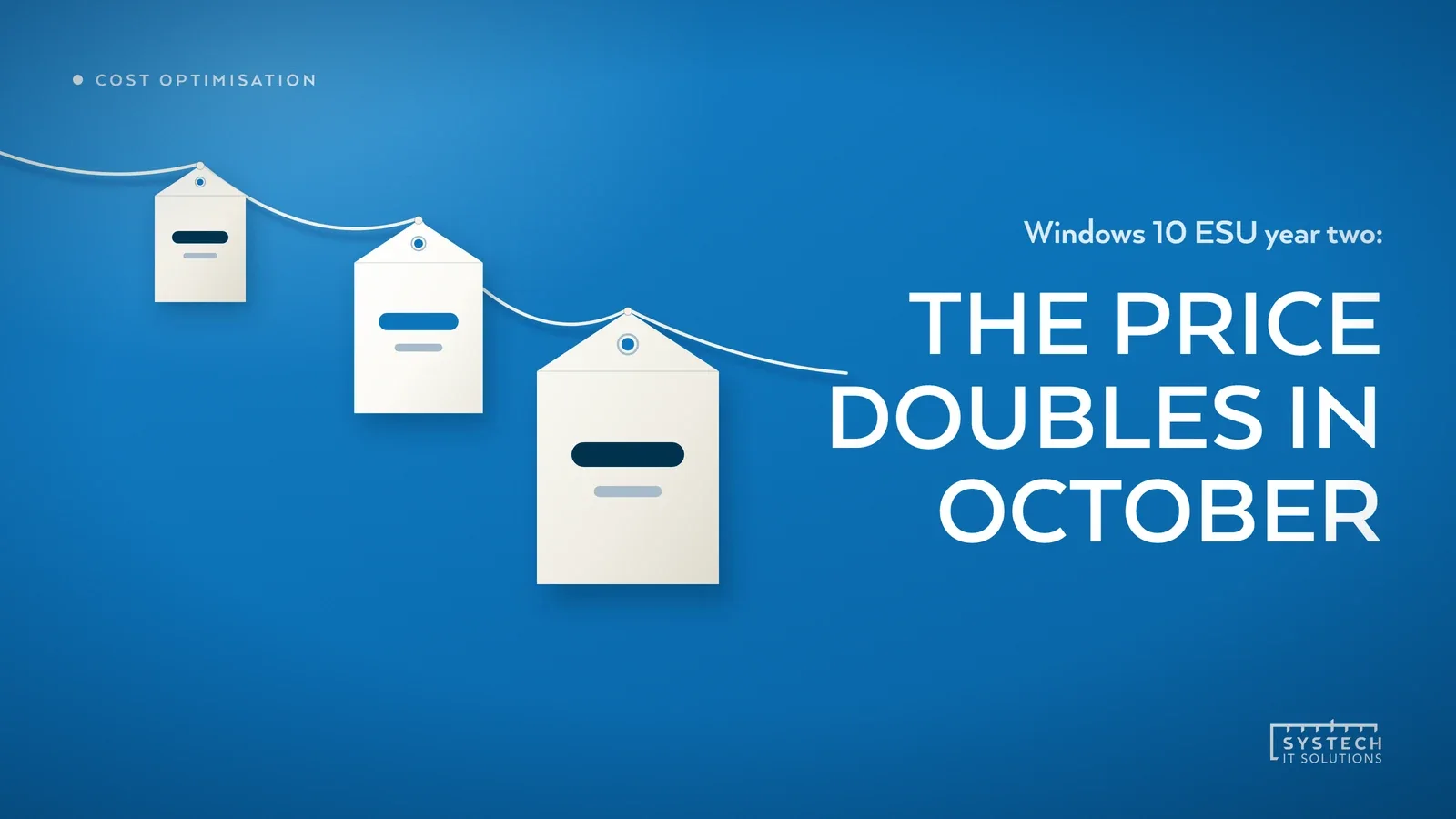
In short: Windows 10 ESU is priced to escalate. Year one, to October 2026, was around 61 US dollars per device. Year two, October 2026 to October 2027, roughly doubles to about 122 dollars. Year three doubles again to about 244 dollars, which is around 427 dollars per device across the full three years. Crucially the licence is cumulative: an organisation buying in later cannot simply buy the current year, it has to buy the earlier years too. If you have devices still on Windows 10, the cheapest remaining option is almost always to move them rather than renew.
Why the price curve is shaped like that
ESU is not a product Microsoft wants you to buy for long. The doubling is deliberate, and it is the same pattern used for Windows 7. The intention is to make the second and third years uncomfortable enough that migration wins on cost alone, without Microsoft having to withdraw the safety net from organisations that genuinely need it.
That works. The difficulty is that the decision usually gets made once, in year one, when the number is small, and then quietly rolls forward. Nobody revisits it until the renewal invoice arrives at double.

The cumulative rule catches people out
This is the detail most often missed. ESU coverage is not a subscription you can join at any point. It is cumulative. If you skipped year one and want to buy year two, you have to buy year one as well.
The practical effect is that waiting does not save money, it costs more. A business that decided to hold off and see how it went now faces roughly 183 dollars a device to get current, rather than the 122 it might have expected. There is no discount for the months you went unprotected.

"Nobody plans to spend three years on ESU. They plan to spend one, and then the year runs out during a busy quarter."
Run the comparison properly
The reason ESU keeps winning internally is that it is compared against the wrong thing. It gets set against the capital cost of new hardware, which is the largest and least urgent number available. A fair comparison has four columns, not one.
- ESU cost across the remaining window. Not this year, the whole runway to when you actually intend to be off Windows 10. If that is two more years, use two years of escalating pricing.
- What ESU does not include. ESU is security updates only. No feature updates, no non security fixes, and no general technical support for the OS. Application vendors are also steadily dropping Windows 10 support, so compatibility problems land on you.
- The hardware you were going to replace anyway. Machines on a normal refresh cycle are not a migration cost, they are a scheduled cost that happens to solve the problem.
- The devices that cannot take Windows 11. This is the genuine constraint, and it is usually smaller than assumed once you check rather than estimate.
The options for the machines that cannot move
There will be some. A CNC controller, a machine tied to a piece of software the vendor abandoned, a device with a TPM that rules it out. These are the ones worth spending real thought on, and ESU is only one of the answers.
- Isolate rather than insure. A device that cannot be patched does not necessarily need internet access, or a route to the rest of the network. Segmenting it is often stronger protection than a security update stream, and it costs nothing per device per year.
- Move the workload, not the machine. If the blocker is one application, hosting it somewhere managed can free the endpoint entirely. That is often cheaper than it sounds, and it is the route we cover in Windows 365 as affordable remote access. Our Windows 10 ESU vs Windows 11 vs Cloud PC comparison puts the three routes side by side if you are still weighing them.
- Buy ESU for a known, small list. ESU is a reasonable answer for twelve stubborn devices. It is an expensive one for two hundred that simply have not been looked at yet.
What to do in the next month
October is the hinge. Year one coverage lapses then, and the year two price applies from that point.
- Pull an accurate inventory of every device still on Windows 10, split by whether it meets the Windows 11 hardware bar. Guessing at this number is what makes the decision feel bigger than it is.
- For the compatible machines, get them scheduled. Most of the effort is coordination, not technology.
- For the rest, decide explicitly between isolation, rehosting and ESU, and write the reason down so the decision does not silently roll into year three at 244 dollars a device.
If you want the wider migration picture rather than just the licence maths, our earlier piece on what to do before Windows 10 support runs out covers the sequencing, and the legacy migration roadmap is a practical starting template. Where the estate is large or awkward, this is exactly the work our end user computing team does, through Windows 365 consultancy for fixed per-user Cloud PCs or Azure Virtual Desktop consultancy where pooled hosts and autoscaling earn their keep.