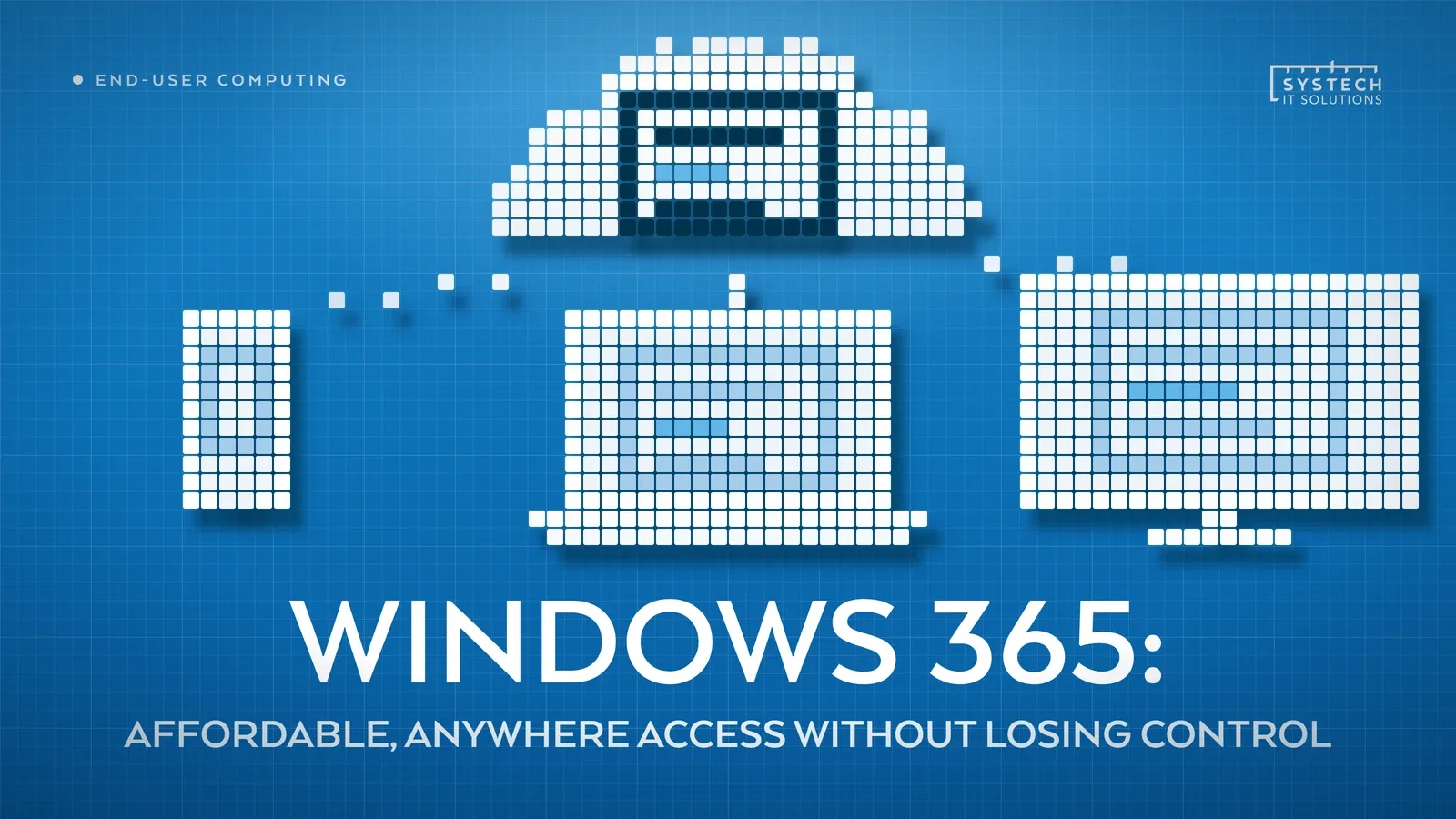
Remote and hybrid work created a real problem: give people a company laptop and you're managing hardware everywhere; let them use their own device and you've lost control of company data. Windows 365 solves both at once, a full Windows desktop that lives in the cloud, reachable from any device, at one fixed monthly price per user.
In short: Windows 365 gives each user a dedicated Cloud PC, a full Windows 11 desktop running in Microsoft's cloud, at a fixed per-user, per-month price with no metered compute. Staff reach the same desktop, files and apps from any device, while data and applications never leave the cloud, so a lost or stolen endpoint carries no company data to lose.
Here's why it fits more remote and hybrid teams than most businesses realise, and where IT keeps control that a physical laptop never gave them in the first place.
What is Windows 365, actually?
A Cloud PC is a full Windows 11 (or Windows 10) desktop, dedicated to a single user, running in Microsoft's cloud rather than on local hardware. Pick a spec, assign a licence, and a working desktop is ready in minutes, no procurement, no imaging, no courier. It differs from Azure Virtual Desktop in one important way: every user gets their own dedicated Cloud PC rather than a share of a pooled, multi-session host, which is what makes the pricing fixed and the management so light.
Access is through the Windows App (formerly the Remote Desktop client), a browser at windows365.microsoft.com, or a direct connection from a Windows endpoint. The local device does nothing more than render the session, so a modest laptop, thin client or tablet drives a full-powered desktop perfectly well.
Affordable: one price, no surprises
Windows 365 is priced per user, per month, at a fixed rate for a given spec. There's no metered compute, no consumption charges creeping up at the end of the month the way raw cloud infrastructure can. Budgeting is simple: one line per user, known in advance, easy to scale up or down just by reassigning licences as headcount changes.
Anywhere: any device, the same desktop
Log in from a company laptop, a personal laptop, a tablet, a thin client, even a phone in a pinch, and it's the same desktop, the same files, the same apps, every time. That makes it a genuinely good fit for:
- Remote and hybrid staff who need consistent access without shipping hardware to every location.
- New starters, productive on day one from whatever device they already have, while a company laptop is still being ordered.
- Contractors and short-term staff, given access without issuing physical kit that has to be tracked down and recovered later.
- Disaster recovery, if a device is lost, stolen or simply breaks, the user logs in from anything else and keeps working.

Control: nothing leaves the cloud
This is the part people miss when they assume "access from anywhere" means "less secure." It's the opposite, done properly.
"The local device is just a window into the desktop. Data and applications stay in the cloud, and a lost or stolen laptop that only ever displayed a Cloud PC session never had company data on it to lose."
Combine that with Intune and Conditional Access, and control gets tighter, not looser: compliance can be enforced before a session even opens, access can be revoked instantly the moment someone leaves, and the session itself can be locked down further than a physical laptop ever could, no local admin rights, no removable media, no unmanaged local storage to leak from.

Which size and edition do you need?
This is where a bit of planning saves money, and where a fixed price stops being a blunt instrument. Windows 365 comes in Cloud PC configurations that scale from 2 vCPU / 4 GB RAM / 128 GB storage at the entry level up to 8 vCPU / 32 GB RAM / 512 GB for heavier workloads. Microsoft's own guidance is that Microsoft 365 Apps with Teams need at least 2 vCPU and 8 GB of RAM to run comfortably, so the very smallest size suits light, single-application users rather than a typical knowledge worker. Because the price is tied to the size, matching the spec to the actual workload, rather than buying one size for everyone, is the single biggest lever on the monthly bill.
There are three editions, and they suit different organisations:
- Windows 365 Business is the simplest, capped at 300 users, with no infrastructure prerequisites. You can be up and running without Intune or a domain, which makes it a genuinely quick win for smaller teams.
- Windows 365 Enterprise has no user cap and unlocks the controls larger estates need: custom device images, Conditional Access, and full Microsoft Intune management. It requires Microsoft Entra ID and Intune, and each user needs an eligible Windows and Microsoft 365 licence.
- Windows 365 Flex (formerly Frontline) is built for shift, part-time and task-based staff. Rather than a named licence per person, a smaller pool of licences is shared across a larger group, with only a set number of Cloud PCs active at once, which cuts the cost of covering people who are never all online together.
Getting the edition and size right at the outset is far cheaper than resizing a whole estate later, and it's the part most self-service deployments skip.
Where doesn't Windows 365 fit?
Windows 365's fixed per-user pricing works against you if headcount fluctuates significantly, or if some users need GPU-backed performance for design or CAD work beyond the four fixed GPU Cloud PC sizes Windows 365 Enterprise sells through a Microsoft account team. That's where Azure Virtual Desktop's autoscaled, multi-session model usually wins instead, we've covered how to choose between the two in more detail. Windows 365 Frontline softens the fluctuating-headcount problem for shift-based teams, but for genuinely spiky or specialist demand, AVD remains the more economical model.
Where this leaves you
If your team is broadly stable in size and works remotely, hybrid, or across a mix of devices, Windows 365 is usually a quick, low-risk win rather than a big infrastructure project. Systech's Windows 365 consultancy designs and fully manages Cloud PC environments end to end, edition and sizing, licensing, Conditional Access policy, and the Intune configuration that keeps control exactly where it belongs.