Almost every organisation we assess is overspending on Azure. The striking thing isn't the number; it's how ordinary the causes are. Waste rarely comes from one dramatic mistake. It accumulates quietly, in resources nobody remembers switching on.
In short: Most Azure waste comes from four fixable sources: idle and orphaned resources, oversized always-on VMs, pay-as-you-go pricing on steady workloads that should sit on reserved instances or savings plans, and unclaimed discounts like Azure Hybrid Benefit. Start with Azure Advisor's cost recommendations and the Cost Management right-sizing data, act on the quick wins first, then put monitoring in place so the savings hold. In our Azure cost optimisation case study that recovered around 34% of Azure spend without touching a single workload's performance.
Organisations estimate they waste 29% of their cloud spend, according to Flexera's 2026 State of the Cloud report, the first rise after five years of decline. Microsoft's own guidance is that most estates carry recoverable spend the moment they stop being actively watched. Here's where we consistently find it, and the approach we use to root it out for good.
Where does idle and orphaned spend hide?
Test environments spun up for a project that shipped months ago. Disks left behind when a VM was deleted. Public IPs reserved and never attached. Individually they're small; across an estate they add up to a meaningful monthly bill for nothing.

Why it persists: deleting a resource does not delete everything attached to it
The reason it persists is that deleting a resource in Azure doesn't always delete everything attached to it. Remove a virtual machine and its managed disks, network interface cards and reserved public IP addresses frequently stay behind, still billing. A standard public IP or a premium SSD disk left orphaned is a small, silent line item that no report flags unless someone goes looking.
- Audit for unattached managed disks, orphaned NICs and idle public IP addresses, which Azure Advisor now surfaces directly under its cost recommendations
- Flag resources with zero activity over the last 30 days, and check for old snapshots and manual backups that were never cleaned up
- Tag everything by owner, project and environment so nothing is anonymous, then use those tags in Cost Management to attribute every pound to something
How do you fix oversized, always-on compute?
VMs are routinely provisioned two or three sizes larger than the workload needs, then run 24/7 regardless of use. Right-sizing based on real utilisation, and scheduling non-production workloads to switch off overnight, is often the single biggest saving available.
The lever here is Azure Advisor's right-sizing recommendations, which read actual CPU and memory telemetry over a rolling window and tell you which VMs are consistently underused. A machine sitting at 5% CPU for a fortnight can usually drop a size or two, or shift to a burstable B-series SKU, with no user-visible impact. On top of that, non-production environments, dev, test, UAT, rarely need to run outside office hours. Auto-shutdown schedules or Start/Stop automation on those alone can cut their compute bill by roughly two-thirds, because you stop paying for the 128 hours a week nobody is using them.
"The waste is almost never where people expect. It's not the big line items, it's a hundred small ones that no one owns."
Reserved instances or savings plans: which cuts more?
Pay-as-you-go pricing on predictable workloads is one of the most common, and most expensive, oversights. Anything with a steady baseline, domain controllers, line-of-business servers, production databases, is a candidate for a commitment-based discount, and the two main options work differently:
- Reserved instances commit you to a specific VM series in a specific region for one or three years, in exchange for discounts that can reach around 40% for one year and up to roughly 60% for three against pay-as-you-go. They give the deepest saving but the least flexibility, so they suit workloads whose size and location genuinely won't change.
- Savings plans commit you to an hourly spend figure rather than a specific machine, and apply that discount automatically across compute wherever it runs. The headline discount is usually a little lower than an equivalent reservation, but the flexibility means you keep saving even as workloads move or resize, which suits estates that still evolve.
The lever most often left switched off: Azure Hybrid Benefit
The other frequently missed lever is Azure Hybrid Benefit: if you already own Windows Server or SQL Server licences with Software Assurance, you can apply them to Azure VMs and stop paying for the licence a second time inside the compute rate. Stacked with a reservation, it's one of the largest single discounts available, and it's routinely left switched off. On the Microsoft 365 side, unused and over-specified licences are just as common, which is the other half of the Azure and licensing cost optimisation work we do.
What order should you tackle it in?
All of the above is worth doing, but not on the same day and not in whatever order it happens to occur to you. Sequencing by effort against saving means the easy work funds the attention the harder work needs:
| Action | Effort | What it recovers | |
|---|---|---|---|
| 1 | Delete orphaned disks and NICs, unattached public IPs, old snapshots and abandoned manual backups | Low: Azure Advisor lists them for you | Small line items individually, meaningful across an estate, and all of it is pure saving because nothing is running |
| 2 | Put auto-shutdown or Start/Stop schedules on dev, test and UAT | Low: a schedule, not a redesign | Roughly two-thirds of the compute bill for those environments |
| 3 | Switch on Azure Hybrid Benefit where you already hold Windows Server or SQL Server licences with Software Assurance | Low: a setting, not a project | One of the largest single discounts available, particularly stacked with a reservation |
| 4 | Right-size oversized VMs from Advisor's utilisation telemetry | Medium: a review and a change window per machine | Often the single biggest saving available, and it scales with how oversized the estate is |
| 5 | Move steady workloads onto reserved instances or savings plans | Medium: needs confidence the workload is stable, plus a one or three year commitment | Around 40% for one year and up to roughly 60% for three against pay-as-you-go |
| 6 | Tag by owner, project and environment, then set Cost Management budgets and alerts | Medium, and ongoing | Nothing directly: it is what stops the five above eroding |
The ordering matters more than it looks. The first three change nothing about how anything performs and need no negotiation with a workload owner, so they can usually be done inside a fortnight. Right-sizing sits fourth rather than first because a recommendation is only trustworthy once there is a rolling window of real telemetry behind it, and because each change wants a window agreed with whoever owns the workload.

Commitments come last of the actions for a specific reason: you should only buy one or three years of a workload once the estate underneath it has stopped moving. Buying a reservation for a VM you are about to right-size locks in the wrong size for the length of the term. Tagging sits at the bottom of the list, but it is the item that decides whether any of the rest is still true in six months.
How do you stop the waste coming back?
Finding waste once is easy. Keeping it out is the hard part, and it's where a managed approach earns its keep. The savings from a one-off clean-up erode within months as new resources get created, environments get cloned, and commitments quietly expire without anyone renewing or re-evaluating them.
What we put in place
We put continuous monitoring and anomaly detection in place using Azure Cost Management budgets and alerts, so an unexpected spike triggers a flag rather than a surprise at month-end. We review spend monthly against forecast, track reservation and savings-plan utilisation so you're not paying for commitments you've stopped using, and give you board-ready reporting so cost never drifts again.
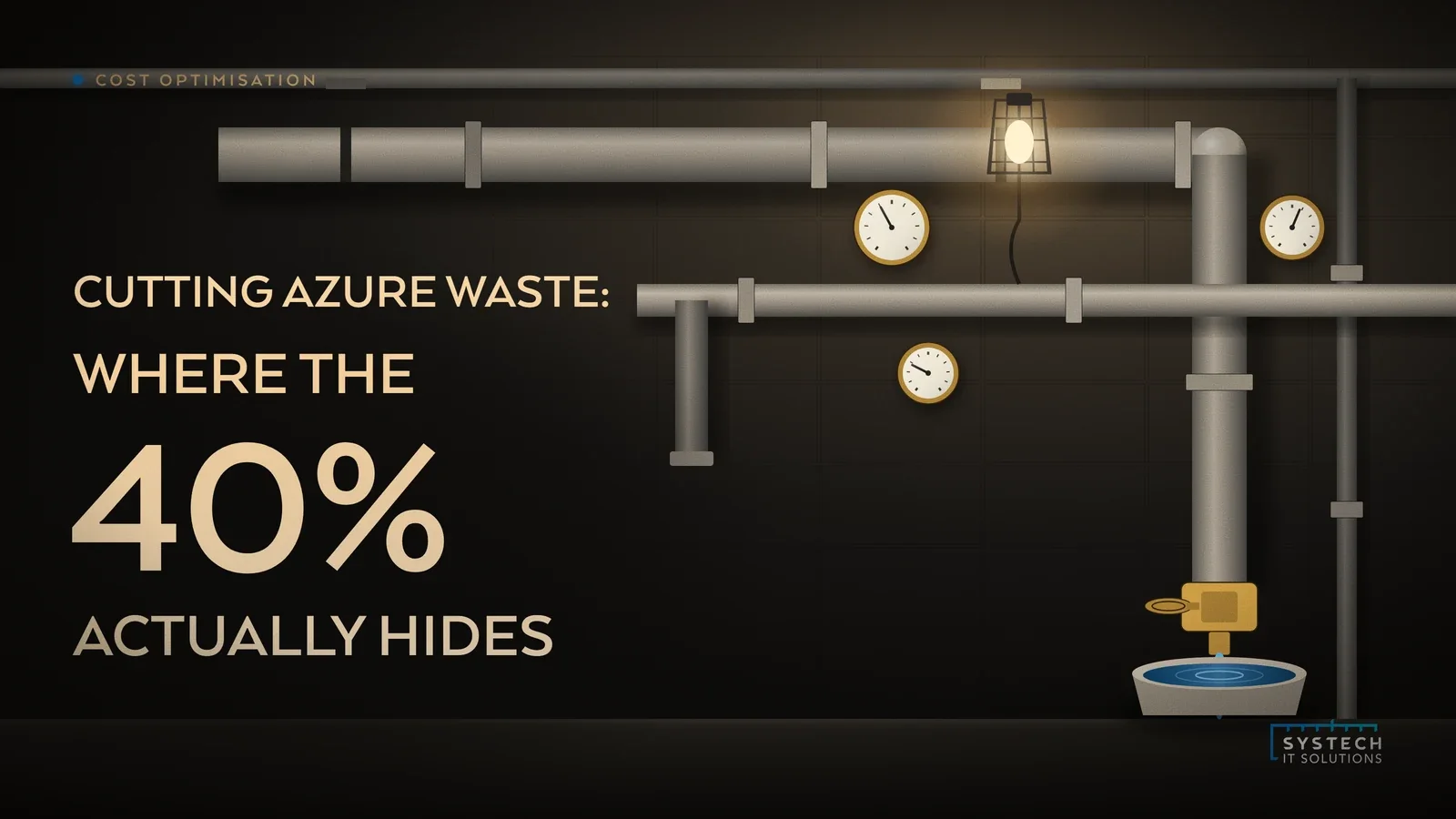
If you'd like to know where your 40% is hiding, a short call is the fastest way to start finding out.
Frequently asked
How much are most businesses overspending on Azure?
Almost every organisation we assess is overspending. Flexera's 2026 State of the Cloud report puts estimated wasted cloud spend at 29%, the first rise after five years of decline. The striking part is not the number, it is how ordinary the causes are. Waste rarely comes from one dramatic mistake, it accumulates quietly in resources nobody remembers switching on. Recovering it also does not usually require touching a single workload's performance, because it comes from resources that are idle, oversized or simply paying the wrong rate rather than from anything users actually depend on.
What causes Azure waste?
Four sources account for most of it. Idle and orphaned resources: test environments for projects that shipped months ago, managed disks left behind when a VM was deleted, NICs and public IPs reserved and never attached. Oversized, always-on compute: VMs provisioned two or three sizes larger than the workload needs, then run 24/7 regardless of use. Pay-as-you-go pricing on steady workloads that should sit on a reserved instance or a savings plan. And unclaimed discounts, of which Azure Hybrid Benefit is the one most often left switched off. Deleting a resource in Azure does not always delete everything attached to it, which is why the first category persists: an orphaned premium SSD or a standard public IP is a small, silent line item that no report flags unless someone goes looking for it.
What is the quickest Azure cost saving to make?
Shutdown schedules on non-production. Dev, test and UAT environments rarely need to run outside office hours, and auto-shutdown schedules or Start/Stop automation on those alone can cut their compute bill by roughly two-thirds, because you stop paying for the 128 hours a week nobody is using them. It needs no redesign and changes nothing about how anything performs. Close behind it is clearing out orphaned resources: unattached managed disks, orphaned NICs and idle public IP addresses, which Azure Advisor now surfaces directly under its cost recommendations, along with old snapshots and manual backups that were never cleaned up. Both are pure saving, because in each case nothing is actually running, so nothing is lost by switching it off or deleting it.
Reserved instances or savings plans: which should we choose?
They trade discount against flexibility. Reserved instances commit you to a specific VM series in a specific region for one or three years, in exchange for discounts that can reach around 40% for one year and up to roughly 60% for three against pay-as-you-go. That is the deepest saving available but the least flexibility, so it suits workloads whose size and location genuinely will not change. Savings plans commit you to an hourly spend figure rather than to a specific machine, and apply the discount automatically across compute wherever it runs. The headline discount is usually a little lower than an equivalent reservation, but you keep saving as workloads move or resize, which suits estates that are still evolving. Match the instrument to how stable the workload really is, not to the bigger headline number.
What is Azure Hybrid Benefit?
Azure Hybrid Benefit lets you apply Windows Server or SQL Server licences you already own with Software Assurance to Azure VMs, so you stop paying for the same licence a second time inside the compute rate. Stacked with a reservation it is one of the largest single discounts available in Azure, and it is routinely left switched off. It is worth checking against the agreements you already hold rather than assuming it does not apply to you. Unused and over-specified Microsoft 365 licences are just as common on the licensing side, and between them those two are usually where the fastest recoverable spend sits in an estate that has not been reviewed for a while.