Most businesses do not change IT provider because something dramatic happened. They change because the business grew, the way people work changed, and the support arrangement did not change with it. The worry that stops most of them is the move itself. Here is how to switch IT support provider in Hull without disrupting the business.
In short: Start with your current agreement: find the term, the notice period and any renewal date. Gather the things you own, including admin credentials, your Microsoft 365 global admin, your domain and DNS registrar login, your licensing arrangement, backups and documentation. A good handover then runs in stages: agree a date, give the new provider access for discovery, put monitoring and a security baseline in place, cut the service desk over, and review together afterwards. With planning, it is normally possible to avoid disruption across the business.
Why do businesses outgrow their IT support?
Usually because the business changed, not because anyone did anything wrong. An arrangement set up for twelve people in one office looks different once there are forty people, hybrid working, a second site and a customer asking for Cyber Essentials.
The signs are familiar:
- The same problems come back each month.
- Nobody can say clearly what the monthly fee covers.
- Security questions from insurers or customers are hard to answer.
- Projects stall because support is busy keeping things running.
- Someone in the business has quietly become the IT person.
None of these on its own means it is time to move. Several together usually mean it is time to look at the options.
Step 1: check your current agreement
Before you speak to anyone new, read your existing contract or terms. Look for:
| What to find | Why it matters |
|---|---|
| The minimum term, and when it ends | Leaving early may carry a cost for the remaining term |
| The notice period | It sets the earliest date the arrangement can end |
| Any automatic renewal date | Missing it can roll you into a further term |
| Exit or handover clauses | Some agreements describe what the provider will hand back, and whether it is chargeable |
| Who holds which licences | Licences bought through the provider may need moving |
Put the key dates in a calendar. The renewal date is the one most often missed, and it is usually the cleanest point to move.
Step 2: gather what you own
Everything in this list belongs to your business, even where a provider looks after it. Ask for it in writing, early, and keep it somewhere you control.
- Admin credentials. A list of every admin account across your systems, and who holds each one.
- Microsoft 365 global admin. At least one global admin account owned by a named person in your business, with multi-factor authentication on it.
- Domain and DNS registrar. The login for wherever your domain is registered and where its DNS is hosted. Losing this can stop email.
- Licensing relationship. How your Microsoft licences are bought, for example through a Cloud Solution Provider, and when they renew.
- Backups. What is backed up, where, how long it is kept, and how to restore it.
- Documentation. Network diagrams, asset lists, IP ranges, Wi-Fi and VPN settings, and any runbooks.
- Line-of-business vendors. Contacts and support arrangements for your finance, CRM, ERP or production systems.
- Firewall and network access. Admin access to firewalls, switches, Wi-Fi controllers and internet connections, including who supplies each line.
If some of this is missing, that is normal. A good incoming provider will help you rebuild it during discovery.
How do you raise it with your current provider?
Professionally, in writing, and without making it personal. A provider that set up your IT for the business you were may simply not be the right fit for the business you have become.
- Give notice formally, in line with your agreement, and ask for written acknowledgement.
- Ask for a handover list, covering credentials, documentation, licences and backups, with a date for each item.
- Keep the tone factual. "We have grown and need a different arrangement" is enough.
- Agree how open tickets and planned work will be finished or handed over.
- Keep paying what is due under the agreement while it runs. It keeps the relationship cooperative.
Most providers handle exits well. A calm, documented request makes that much more likely.
"A handover is not a single day. It is a short series of stages, each one finished before the next begins."
How does a handover run?
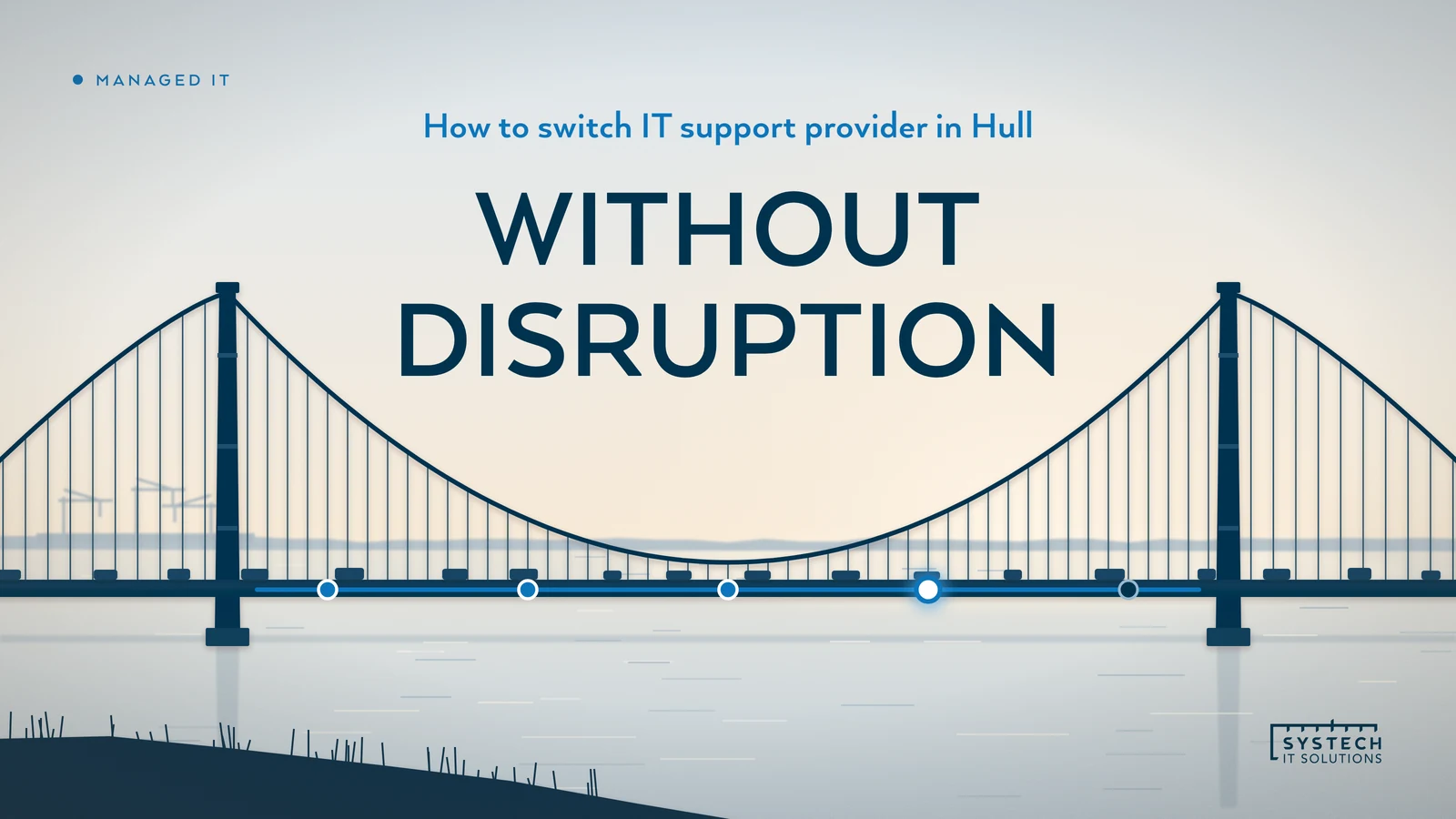
A well-run handover happens in stages. The timing of each stage depends on your notice period and on what you run, so a new provider should give you dates in a written plan rather than a standard promise.

| Stage | What happens | What you will notice |
|---|---|---|
| 1. Agree a date | The cutover date is set around your notice period and your business calendar | A plan with names and dates |
| 2. Access and discovery | The new provider gets access and documents what you actually run | Some questions from the new team, little else |
| 3. Monitoring and security baseline | Monitoring, patching and security tools go in, and the gaps are written down | Possibly a restart on some devices, scheduled with you |
| 4. Cutover | The service desk number and process change over | Staff are told how to get help from the new team |
| 5. First review | Both sides look at what was found, what was fixed and what comes next | A meeting and a written list of priorities |
With planning, it is normally possible to avoid disruption across the business. What causes problems is rushing a stage, usually discovery, because something unknown turns up later at a worse time.
If you want to see what a written onboarding plan looks like before you commit to anything, there is a redacted one on our walkthrough, alongside a monthly service report.
What should you ask a new IT provider?
Ask these before you sign, and expect plain answers:
- What exactly is inside the monthly price, and what is billed on top?
- Who answers the phone in office hours and outside them, and where are they?
- How will you run our handover, and who is our named contact while you do?
- What do you need from us, and from our current provider?
- What will our staff notice, and when?
- What reporting will we get after the move?
- What are your contract term, notice period and exit terms? Ask every provider, including us.
Our guide to how to compare IT support companies in Hull turns these into a scorecard you can use across a shortlist. Our IT support cost guide for Hull covers how to compare quotes line by line.
Where to start
If you are thinking about a move, book a call. Tell us what you run, what is not working and when your current agreement renews, and we will tell you plainly how a handover would work for your business, and whether we are the right fit. More on how we support businesses locally is on our Hull IT support page.
Frequently asked
How long does it take to switch IT support provider?
It depends mainly on two things: the notice period in your current agreement, and the size and condition of the estate being handed over. The notice period sets the earliest date the old arrangement can end. The estate sets how long discovery, monitoring and the security baseline take. A good incoming provider will give you a written plan with dates for your business once they have seen what you run, rather than a standard number of days.
Will switching IT provider cause downtime?
With planning, it is normally possible to avoid disruption across the business. Most handover work happens behind the scenes: access is transferred, monitoring and security tools are installed alongside the old ones, and the service desk changes on an agreed date. Some individual changes, such as replacing security software on a laptop, may need a restart or a few minutes of a user's time, and those should be scheduled with you rather than sprung on people.
Do I need my current IT provider's permission to switch?
No, but you do need to follow the terms of your agreement, including any notice period, and you need their cooperation to hand over credentials, documentation and any licences they hold on your behalf. Most providers handle exits professionally. Giving notice in writing, keeping the tone factual and asking for a handover list early makes that much easier for everyone.
What if my current provider holds our admin passwords or Microsoft licences?
That is common and fixable. Your Microsoft 365 tenant and your domain should be owned by your business, even if a provider administers them. Ask for global admin access for a named person in your business, a list of every admin account, and details of how your Microsoft licences are bought. If licences are bought through the provider as a Cloud Solution Provider, the licensing relationship can be moved, and a new provider can explain the steps for your tenant.