If you run a business in Hull or the East Riding and you are wondering whether your IT support still represents good value, the first thing you need is a fair way to judge the price. Here is how IT support is priced, what our own figures are, and how to compare one quote with another.
In short: IT support in Hull is usually priced per user per month, sometimes per device, and occasionally by the hour. Systech's managed IT is typically £25 to £40 per user per month for businesses of up to 50 users, so a 10-person firm might budget around £250 to £400 a month. These are estimates, not a quote: the real price depends on your estate and its condition, and is confirmed in a written quote after an assessment. Licences, hardware, projects and extra security usually sit outside any per-user price, so compare quotes line by line, not by headline figure.
How is IT support priced in Hull?
There are three common models. Most providers in Hull and the East Riding use one as the base and add line items on top.
| Model | How it works | Suits | Watch for |
|---|---|---|---|
| Per user, per month | One rate for each person supported, covering their devices | Offices where people use a laptop, a phone and Microsoft 365 | What counts as a user: part-timers, shared mailboxes, leavers |
| Per device, per month | A rate for each laptop, desktop, server or phone | Shared kit on a shop floor, a warehouse or a quayside | Servers and network kit at a much higher device rate |
| Hourly or pay-as-you-go | You pay for time when something breaks | Very small setups with little to go wrong | No monitoring or patching in between, and no budget certainty |
Per user is the most common model, and the easiest to budget: add a person, add a rate. Per device still makes sense for shift-based operations where many people share fewer machines.
Hourly support buys something different. It pays for a fix after a fault. A monthly contract pays for the patching, monitoring and security work that stop a share of those faults happening at all. Our managed IT vs in-house vs break-fix comparison sets the models side by side.
What does Systech charge for IT support in Hull?
We publish an indicative range, because you should be able to budget before you speak to anyone.
Managed IT, up to 50 users: typically £25 to £40 per user, per month. A typical managed estimate covers:
- Microsoft 365 tenant management and administration
- OS and application patching across every managed device
- Managed endpoint protection
- Monitored, tested backup for Microsoft 365
- A 100% UK-based service desk, with 24/7 support available
Co-managed IT: typically £20 to £90 per user, per month. Where it sits depends on how much your own IT person or team hands to us: escalation and tooling only at the lower end, most of the service desk and the security stack at the upper end. See co-managed IT.
Over 50 users: scoped and quoted. Above that size, two businesses with the same headcount rarely need the same thing, so we scope the estate and send an itemised quote.
These figures are estimates to help you budget, not a quote or an offer. The real price depends on your estate and its condition, so every engagement starts with an assessment and is confirmed in a written quote. The full detail is on our pricing page.
What might that look like for a 10 or 25 person business?
Here is the indicative managed range multiplied out. It is arithmetic on our published estimate, nothing more, and it covers support only.
| Business size | Indicative monthly estimate | Indicative annual estimate |
|---|---|---|
| 10 users | Around £250 to £400 a month | Around £3,000 to £4,800 a year |
| 25 users | Around £625 to £1,000 a month | Around £7,500 to £12,000 a year |
Where your business would sit in that range depends on what you run and how healthy it is today. A tidy cloud-only estate tends to sit lower. Older servers, several sites or a lot of unmanaged devices tend to sit higher. These are estimates, not prices, and the written quote after an assessment is what you would actually be agreeing to.
"Two quotes with the same per-user figure can be for completely different services. The inclusion list is the price."
What usually sits outside the per-user price?
Exclusions are normal in every provider's pricing, ours included. What matters is that they are written down before you sign. These are the items to look for in any Hull quote:
| Item | Why it is usually separate | What to ask |
|---|---|---|
| Microsoft 365 and other licences | The licence bill depends on which plans your people need | Are licences in this figure, or billed on top? |
| Extra security | EDR or XDR, email security and archiving, Conditional Access rollout | Which security layers are included, and which are quoted? |
| Server and endpoint backup | Backup beyond Microsoft 365 varies with what you hold on-premises | Is server backup included, and are restores tested? |
| Out-of-hours cover | Priced on the coverage window you need | Who answers outside office hours, and is that included? |
| Hardware | New laptops, servers, switches and firewalls | Do you supply hardware, and at what margin? |
| Projects | Migrations, office moves and new systems | What is the rate for work outside the contract? |
| On-site attendance | Physical work is real cost | How are site visits arranged and charged? |
At Systech, each of the items above is subject to quotation. We scope them against your estate and price them individually, so nothing is committed to before we know what it involves.
How do you compare two IT support quotes line by line?
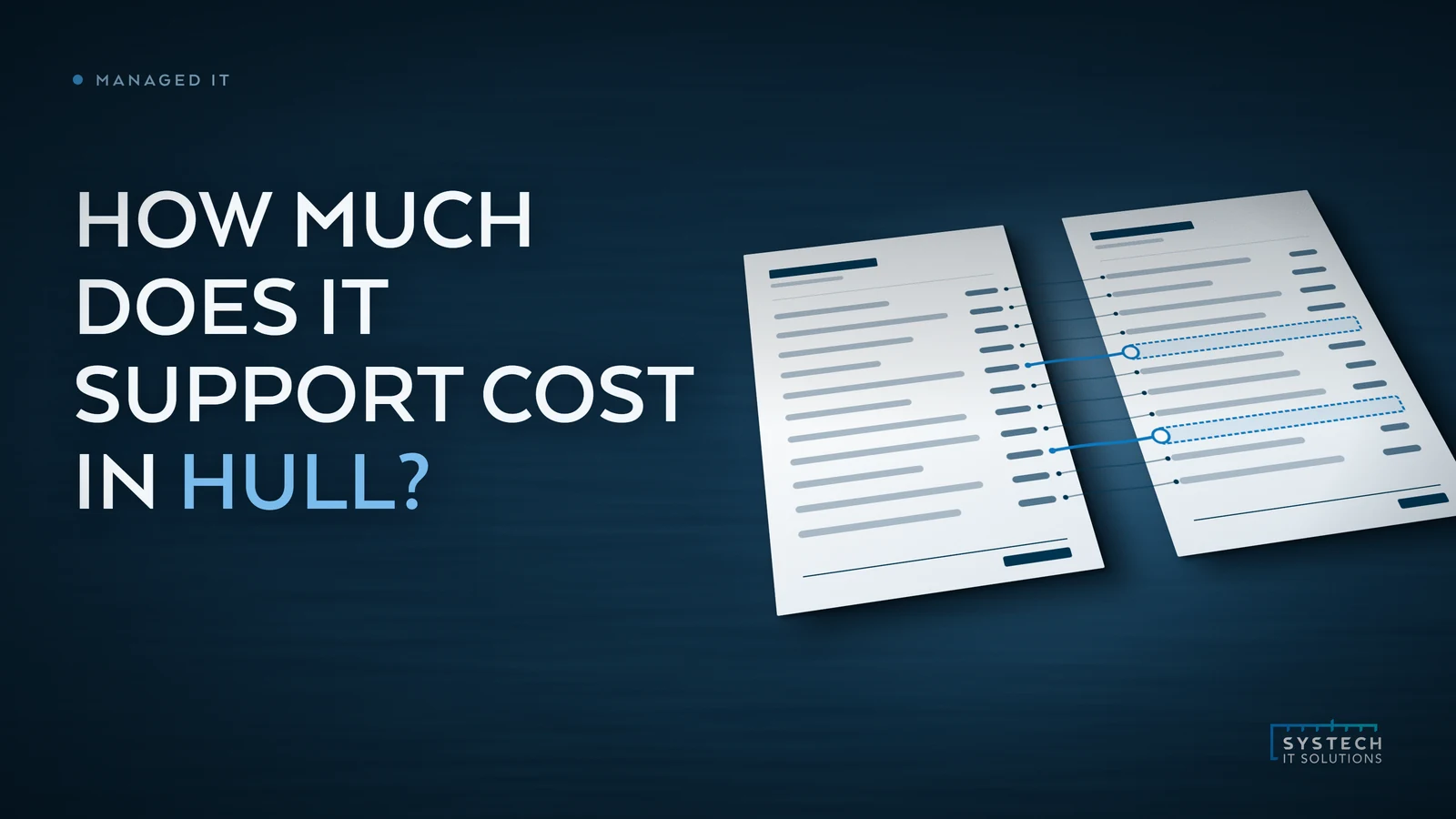
Normalise the quotes before you compare the totals, with both documents side by side.

- List every inclusion from both quotes in one table. One row per item, one column per provider.
- Mark each item as included, extra or missing. "Missing" is the one that matters most, because it usually becomes a bill later.
- Ask the cheaper provider to price the gaps. Very often the difference closes, or reverses.
- Separate licences from support. Compare support with support, and licences with licences.
- Compare the terms that are not on a price list. Coverage hours, who answers, how response is measured, and what happens to your data and admin access if you leave.
- Check who owns what. You should own your Microsoft tenant and your domain, and hold your own emergency admin credentials.
If the quote cannot be broken down like this, ask for it to be. Our guide to how to compare IT support companies in Hull has the wider set of questions to put alongside the price.
What does it cost to leave things as they are?
Most IT arrangements were set up for the business as it was a few years ago. Headcount grows, people work from home, a second site opens, an insurer or a customer starts asking harder questions. The arrangement does not change on its own, and the gap shows up as cost in a few places:
- Downtime. Every hour a team cannot work, or a system that runs the operation goes quiet, is paid for in wages and missed work, whatever the support contract costs.
- Repeat issues. The same printer, the same VPN drop, the same slow laptop, logged again each month. Each one is small. Together they quietly cost a team hours a week.
- Insurance and Cyber Essentials gaps. Insurers, larger customers and supply-chain questionnaires often ask about multi-factor authentication, patching and tested backups. Unsupported software inside the assessment scope will fail Cyber Essentials. Finding that out at renewal is more expensive than finding it out now.
- Time your senior people spend on IT. In many growing firms, someone who was never hired to do IT has become the person who does it.
None of this means the current arrangement was wrong when it was set up. It means the business has moved on, and the price of support should be judged against what the business needs now.
Where to start
If you are up to 50 users, start with our published pricing so you know roughly where you sit. If you are thinking about a move, our guide to switching IT support provider in Hull without disruption covers how a handover runs. You can also see what a monthly service report and an onboarding plan look like on the walkthrough.
If you would rather talk it through, book a call. Tell us how many people you have, what you run and what is not working, and we will tell you plainly how we would approach it, and whether we are the right fit. Our Hull IT support page has more on how we work across Hull and East Yorkshire.
Systech figures on this page are from our published pricing, checked 5 October 2026. We do not quote other providers' prices, because their inclusion lists are not ours to describe.
Frequently asked
How much does IT support cost per user in Hull?
Most Hull providers price managed IT support per user per month, and the figures vary mainly because the inclusion lists vary. Systech's managed IT is typically £25 to £40 per user per month for businesses of up to 50 users. That is an estimate to help you budget, not a quote: the real price depends on your estate and its condition, so every engagement starts with an assessment and is confirmed in a written quote. Above 50 users we scope the estate and quote it directly.
How much would IT support cost a 10-person business in Hull?
Using Systech's indicative range of £25 to £40 per user per month, a 10-person business would typically land somewhere around £250 to £400 a month for managed support, before Microsoft 365 licences, hardware and project work. Treat that as a budgeting estimate rather than a price. Where an estate sits in the range depends on what it runs and how healthy it is, which is what the assessment and written quote establish.
Is pay-as-you-go IT support cheaper than a monthly contract?
In a quiet month, often yes. Over a year it depends on how often things go wrong, and an hourly rate buys something different: a fix after a fault, rather than the patching, monitoring, backup checks and security work that prevent a share of faults in the first place. Pay-as-you-go suits a business with very little IT and a high tolerance for waiting. Most businesses of 10 users or more find the monthly model easier to budget and less disruptive.
Do Hull IT support prices include Microsoft 365 licences?
Check every quote, because providers handle it differently. Systech's indicative range covers managing your Microsoft 365 tenant, not the licences themselves, which are a separate cost depending on which plans your people need. A quote that bundles licences into one per-user figure is not wrong, but it cannot be compared with one that does not until the two are separated.