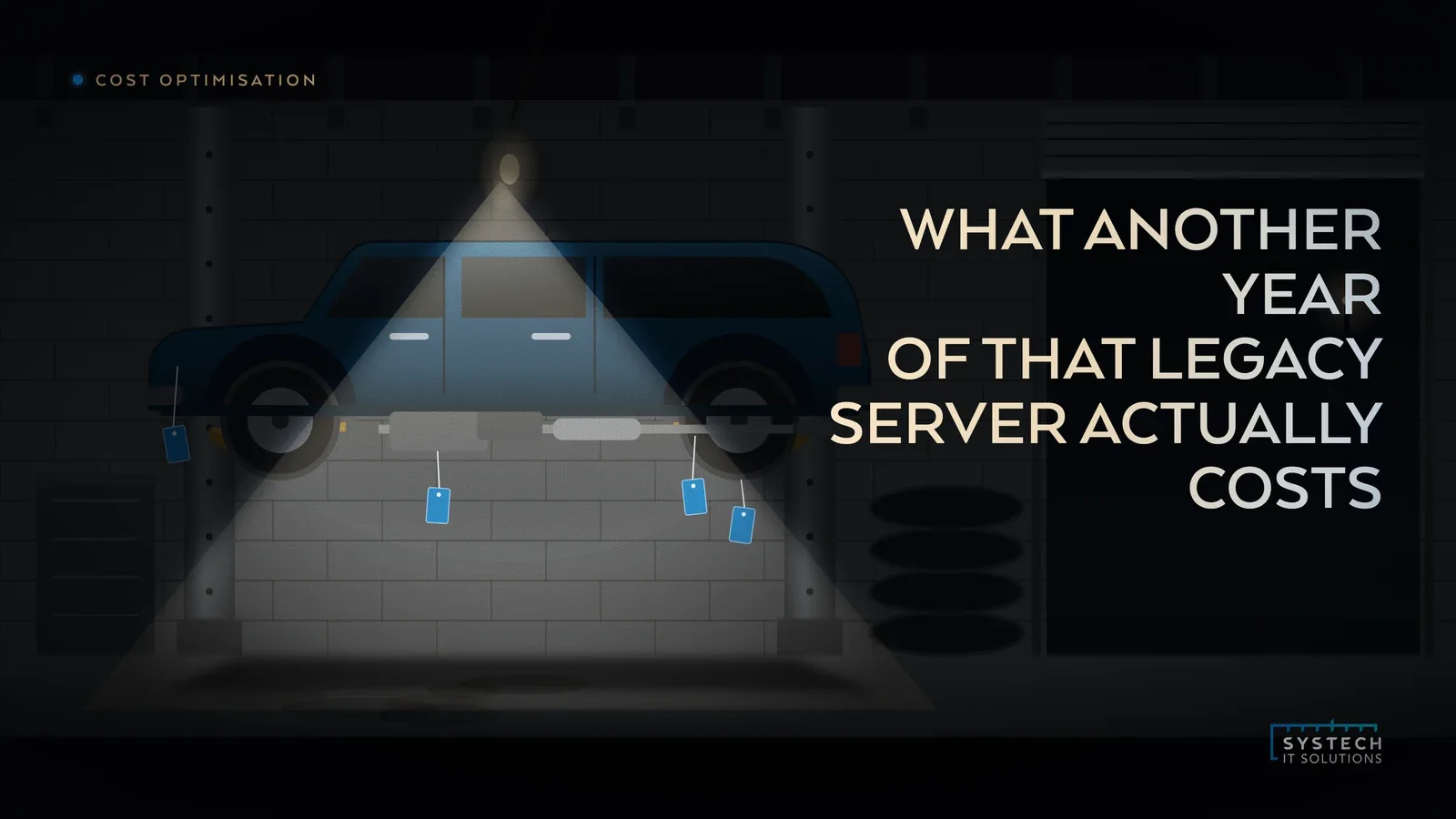
The case for keeping the old server another year is always the same, and it is always superficially convincing. Replacing it is a project. Keeping it is free. One of those two statements is true.
In short: The comparison that keeps legacy hardware alive usually counts the migration cost and treats the status quo as costing nothing. It does not. Four costs are routinely left out: extended support and compatibility premiums, the disproportionate share of engineering time it absorbs, the insurance and contractual consequences of running unsupported software, and the opportunity cost of everything that cannot proceed while it exists. Put all four on the page and the answer often changes without anyone needing to argue about the technology.
Cost one: the support premium
Unsupported software rarely stays free. Extended support programmes are deliberately priced to escalate, and Windows 10 Extended Security Updates are the clearest current example, roughly doubling in year two and doubling again in year three, as we set out in the ESU year two maths.
The same pattern applies to server operating systems, databases and the applications running on them. There is also a quieter version: the third party tools you buy specifically to compensate. A compatibility shim, an extra backup product because the modern one will not support the old OS, a separate monitoring agent. These sit in different budget lines and never get attributed to the server that caused them.
Cost two: the engineering time it eats
This is the one nobody measures and everyone feels. Legacy systems consume support effort out of all proportion to their number.

- They break in ways that cannot be fixed properly, only worked around, so the same incident recurs.
- Only two people understand them, so the work cannot be distributed and it interrupts whatever those two were doing.
- Every other project has to account for them, which means design meetings get longer and integrations get more expensive.
- Documentation is thin, because the person who built it left, so every change begins with an investigation.
Put a number on it. Even a rough estimate of engineer hours per month against a blended rate usually produces a figure larger than the migration everyone is avoiding.
"Nobody budgets for the legacy server. They just budget for two engineers who are always slightly busy, and never ask why."
Cost three: insurance, contracts and compliance
This is where the cost stops being theoretical and starts being contractual.
- Cyber insurance. Applications ask directly whether you run unsupported software. Answering honestly affects premium and terms. Answering carelessly affects whether a claim gets paid.
- Customer contracts. Supply chain security questions increasingly ask about supported software and patching. An unsupported server is an awkward answer, and in some sectors it is a disqualifying one.
- Certification. Cyber Essentials requires supported, patched software in scope. An unsupported system either fails you or has to be segmented out of scope properly, which is work in itself. Our post on Cyber Essentials in 30 days covers what that involves.
- Regulatory exposure where the system holds personal data, because "we knew and did nothing" is the least defensible position after an incident.
Cost four: what it blocks
The least visible and often the largest. A legacy system rarely sits quietly on its own. It anchors things.
It holds a dependency that stops you moving a workload. It requires a flat network segment that stops you tightening access. It runs an old authentication method that stops you switching off legacy protocols, which is the first control in our Conditional Access baseline. Every one of those is a project sitting in a queue behind one machine.
Do the comparison honestly
You do not need a formal business case. You need one page with two columns and a three year horizon rather than one.

- Column one, keep it. Support and licence premiums escalating over three years, estimated engineer hours, any compensating tools, the insurance and contract consequences, and a plain sentence about what cannot proceed while it exists.
- Column two, move it. Migration effort, any new licensing, the transition period, and a genuine allowance for the things that go wrong.
- Then be honest about the risk of doing nothing. Not a probability, just a sentence about what happens if it fails on a Friday and the person who understands it has left.
Most of the time this exercise does not produce a dramatic answer. It produces a realistic one, which is usually that the machine should move within the next twelve months on a planned basis rather than at three in the morning after a failure.
If you want that assessed properly, including which workloads genuinely need to move and which can simply be isolated, that is what our legacy modernisation work does, and the legacy migration roadmap is a practical way to start the inventory yourself.