+44 (0)1482 770583
 hello@systechitsolutions.co.uk
Windows 365 Consultancy: Cloud PCs Sized and Rolled Out Properly
Your Cloud PCs look fine on the dashboard. So why are users still waiting?
In this video
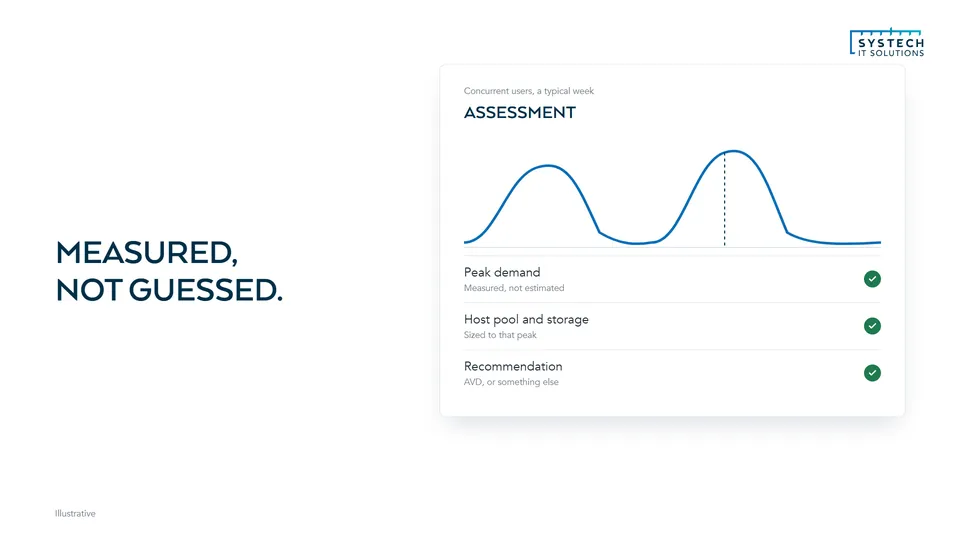
- Cloud PCs sized on measured workloads before you commit
- Your network checked against Microsoft's requirements
- A staged rollout by user group, secured with Intune, Entra ID and Conditional Access
- Sizes and licences reviewed, so you're not paying for power nobody uses, or short of it where it counts
- Led by Ryan Mangan, Microsoft MVP for Windows 365 and Azure Virtual Desktop
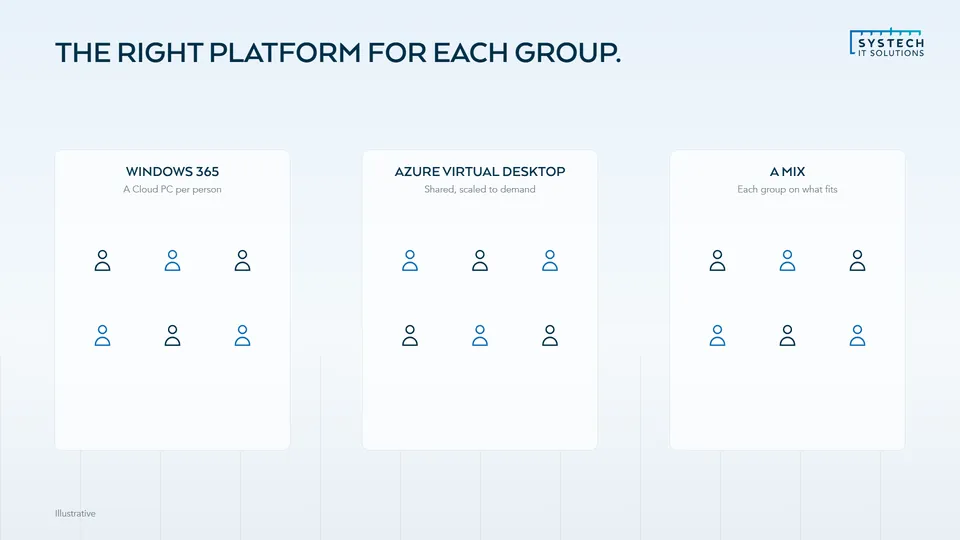
- And if some users suit Azure Virtual Desktop better, we'll tell you
Talk it through with us
A short call about how things work for you today. We will tell you plainly where we would start, and if we are not the right fit.
Book a callTranscript
Your Cloud PCs look fine on the dashboard. So why are users still waiting?
Windows 365 looks simple, but the choices matter. Two virtual CPUs or four. Business or Enterprise. And whether every user needs a Cloud PC at all.
Systech helps you make those calls on evidence.
We measure real workloads before you commit, and check your network against Microsoft's requirements.
Then a staged rollout by user group, secured with Intune, Entra ID and Conditional Access.
And we keep reviewing sizes and licences, so you're not paying for power nobody uses, or short of it where it counts.
Led by Ryan Mangan, Microsoft MVP for Windows 365 and Azure Virtual Desktop.
And if some users suit Azure Virtual Desktop better, we'll tell you.
Book a call, and we'll show you whether Windows 365 fits.
Product names in this video are trademarks of their respective owners. Examples shown are illustrative.