Password managers are one of the few security tools that genuinely earn their place in every business. That has not stopped several of them being breached, and the useful lesson from those breaches is not the one most people took from them.
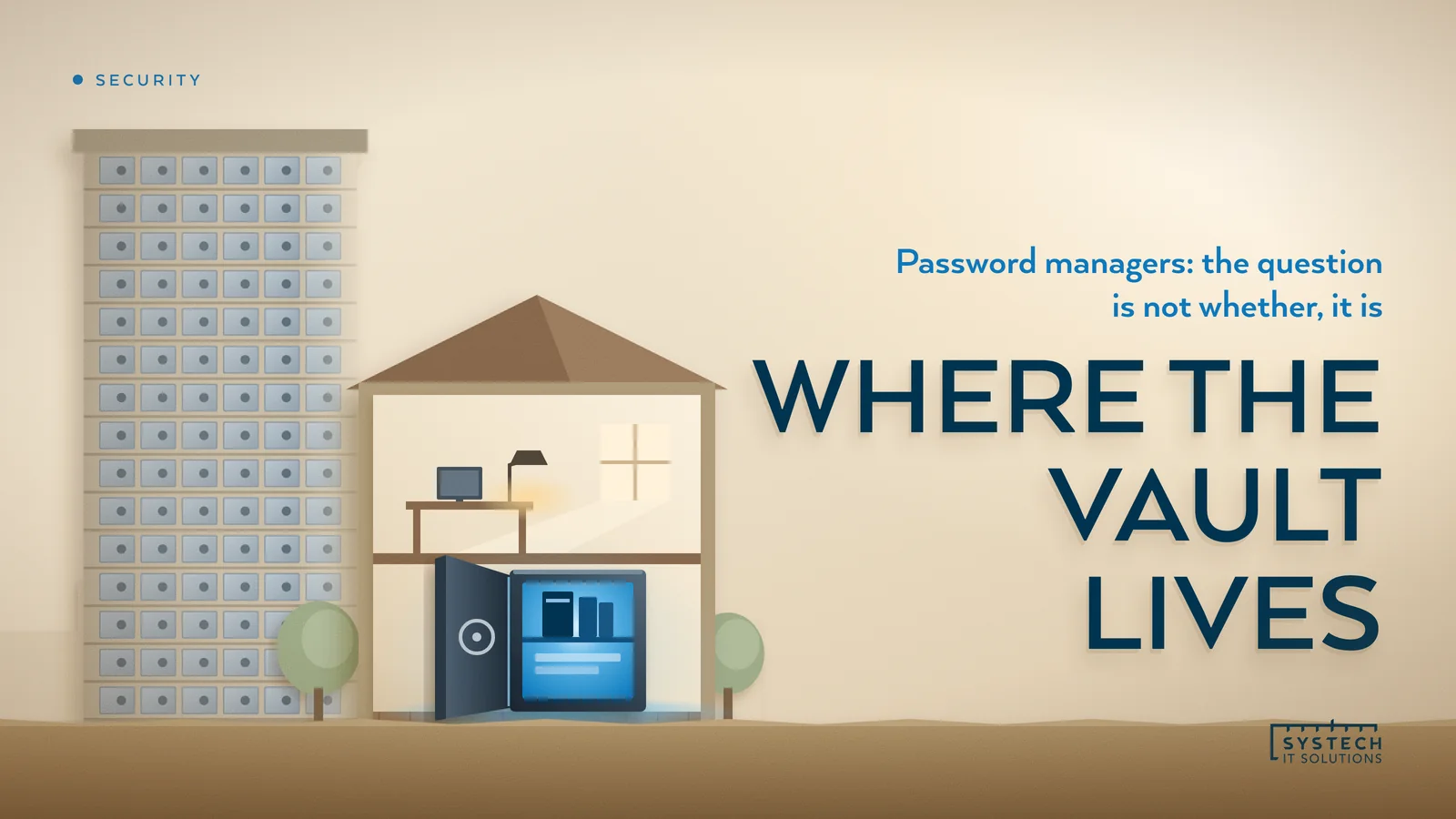
In short: The answer to the LastPass breach is not to stop using a password manager. It is to think about where the vault lives. A large multi-tenant vault service is a concentrated target: one successful intrusion reaches millions of vaults, which is why they attract the effort they do. Deploying a password manager inside your own Microsoft tenant, behind your own Conditional Access, device compliance and network egress controls, removes you from that blast radius and puts the controls that would blunt an attack under your control. It is not immunity, and self-hosting badly is worse than using a cloud service well. But for businesses holding privileged credentials, it changes the shape of the risk in a way worth understanding.
What actually happened at LastPass
Worth setting out accurately, because the details are where the lesson is.
There were two linked incidents in 2022. In August, an attacker got into part of LastPass's development environment and took source code and technical documentation, including an encrypted copy of the key protecting backups of customer data held in cloud storage.
The second intrusion ran from August to October 2022 and is the one that mattered. A senior DevOps engineer's personal computer was compromised through a vulnerability in third-party media software running on it. The attacker installed a keylogger, captured the engineer's credentials, and used them to reach an internal vault holding further keys. Between 8 and 22 September 2022, they used those credentials to copy backups of customer vault data out of cloud storage.
The route in was a home computer running an unpatched media server. Not the vault.
LastPass described the stolen vault data as being in a proprietary binary format containing both unencrypted fields, such as website URLs, and fully encrypted sensitive fields. That distinction is the part worth carrying away. The passwords were encrypted. The list of which services each customer held credentials for was not, and that is valuable on its own to anyone writing a phishing email.
The vaults genuinely at risk were those protected by weak master passwords or older, lower encryption iteration settings, because an attacker holding an offline copy can attack it at their own pace with no rate limiting and nobody watching. In 2025 LastPass settled a class action for $24.5 million over customer losses.
The pattern is not "password managers are bad"
Two other incidents make the actual pattern clearer, and both complicate the easy conclusion.
Passwordstate, April 2021. Click Studios' on-premises password manager was compromised through its own update mechanism. Customers who ran an In-Place Upgrade during a roughly 28-hour window received a modified package carrying malware that harvested Passwordstate data and system information and sent it to an attacker-controlled server. This is the important one, because Passwordstate is self-hosted. Running it inside your own network did not prevent a supply chain compromise arriving through the front door as a signed-looking update.
Bitwarden's CLI package, April 2026. A malicious version of the @bitwarden/cli npm package was published for roughly ninety minutes, carrying a self-propagating credential stealer aimed at developer and CI environments. Bitwarden revoked the access, deprecated the release and published a clean version, and its investigation found no evidence that end-user vault data was accessed. Worth stating plainly, because the incident was about a developer tooling package rather than the vault itself.

Put the three together and the pattern is not that these products are badly built. It is that:
- The vault service is a concentrated target. A store holding millions of vaults justifies months of attacker effort in a way your individual vault never would.
- The route in is rarely the vault. It was a home computer in one case, an update channel in another, a package registry in the third.
- Self-hosting is not immunity. Passwordstate settles that argument.
- Encryption held. In the LastPass case the sensitive fields stayed encrypted; what leaked around them was metadata, and what failed afterwards were weak master passwords.
Why we deploy password managers in your own tenant
Given all that, the case for your own tenant is narrower and more honest than "self-hosted is safer". It is about blast radius and about which controls you get to hold.
You are not in a store worth attacking at scale. Nobody is going to spend two months compromising an engineer's home computer to reach one mid-sized company's vault. The economics that make a large multi-tenant vault service worth that effort do not apply to you individually.
You control the network path. This is the one that matters most, and it is the direct lesson of Passwordstate. That attack's payload had to reach an external server to be worth anything. A vault server that is only permitted to talk to what it genuinely needs, with outbound traffic restricted and logged, breaks the step where data actually leaves. You cannot apply that control to somebody else's cloud service.
You put your own identity controls in front of it. Access conditional on a compliant, managed device, from an expected location, with phishing-resistant multi-factor authentication. Those are controls you already own if you run Microsoft 365, and they apply before anyone reaches the vault.
You see your own logs. Access to the vault appears in your own logging alongside everything else, rather than in a provider's console you check after reading the news.
You control the timeline. If something happens, you are not waiting on a disclosure statement to find out whether you were affected.
The honest limits
We would rather say this here than have you discover it later.
Self-hosting moves work onto you. The server needs patching promptly, because a vault server running an out-of-date component is a worse position than the cloud service you left. It needs backing up, and those backups need to be encrypted and tested, because a vault you cannot restore is a business-stopping event of its own. It needs monitoring, because the controls above only help if somebody notices when they fire.
It also does not remove supply chain risk. Updates still come from a vendor, and Passwordstate is exactly what that looks like when it goes wrong. What network controls do is limit what a compromise can achieve, not prevent it arriving.
And to be fair to the providers named above: all three responded and disclosed, and the encryption in the LastPass case did what it was designed to do for anyone with a strong master password. A well-run cloud vault genuinely does beat a neglected self-hosted one. If you would not commit to running it properly, the honest recommendation is to stay where you are and fix the master passwords instead.
What to do wherever your vault lives
Most of this applies regardless, and none of it is expensive.
- Strong, unique master password. It is the one credential nobody can rotate for you, and it is what stands between an offline copy of a vault and its contents.
- Multi-factor on the vault itself, ideally phishing-resistant, not a code that can be relayed.
- Check the iteration count. Older accounts were often left on much weaker settings than current defaults, and raising it is usually a single setting.
- Rotate what matters after any provider incident. Privileged accounts first: domain and cloud administrators, service accounts, API keys, anything protecting money or customer data.
- Review shared vaults. Shared credentials accumulate, and access to them survives people leaving unless somebody removes it.
- Treat the site list as exposed. Even where passwords hold, knowing which services you use is a decent phishing target.
- Prefer not using shared passwords at all where single sign-on can replace them. The most secure credential is one that does not exist.
How we deploy it
We stand password management up inside your own Microsoft tenant, integrated with the identity you already have, and put the controls around it that make the deployment worth doing: Conditional Access and device compliance in front of it, restricted and logged network egress from the server, backup that is encrypted and actually tested, and patching under our managed service rather than on somebody's list.

That last part is the bit that decides whether this is a good idea for you. A self-hosted vault is a security improvement while somebody is looking after it and a liability once nobody is. If you do not want to own that, we will say so, and we will help you tighten what you already have instead. Either answer is a fine outcome. Being uncertain which one you are is not.
Frequently asked
Are password managers still safe to use after the LastPass breach?
Yes, and the alternative is worse. The realistic comparison is not a password manager against perfect security, it is a password manager against people reusing the same password across dozens of services, which is how most account compromises actually happen. What the breaches changed is not whether to use one, but what to ask about where the vault is stored, how it is encrypted, and who else's data sits alongside yours.
Is a self-hosted password manager more secure than a cloud one?
Not automatically, and anyone who says otherwise is skipping the interesting part. Self-hosting removes you from a multi-tenant store that is worth attacking at scale, and it lets you put your own network controls in front of the vault. It also makes you responsible for patching, backup and monitoring, and the Passwordstate incident in 2021 showed that a self-hosted product can still be reached through its own update channel. A well-run cloud vault beats a neglected self-hosted one every time. The advantage is real but it is conditional on you actually running it properly.
What was actually stolen in the LastPass breach?
Encrypted customer vault backups, copied from cloud storage between 8 and 22 September 2022. LastPass described the data as being in a proprietary binary format containing both unencrypted fields, such as website URLs, and fully encrypted sensitive fields. That distinction matters: the passwords themselves were encrypted, but the list of which sites each customer held credentials for was not, which is useful to an attacker even without cracking anything. Vaults protected by weak master passwords or older, lower iteration settings were the ones genuinely at risk of being brute-forced offline.
Should we move our password manager into our own Microsoft tenant?
It is worth considering if you handle sensitive data, hold privileged credentials for customer systems, or are being asked supply chain security questions. The gains are that your vault is not part of a store worth attacking at scale, you can put Conditional Access and device compliance in front of it, and you can restrict what the server is allowed to talk to, which is the control that blunts the exfiltration step of an attack. The trade is that patching, backup and monitoring become yours. We are happy to say when the honest answer is that a well-configured cloud tenant is enough for you.
What should we do if our password manager provider is breached?
Work out the exposure window first, then prioritise. Rotate anything privileged that was in the vault during that window: domain and cloud administrator accounts, service accounts, API keys, anything protecting money or customer data. Then work outwards to shared credentials, then to ordinary user passwords. Change the master password and check the iteration settings on the vault. And treat the site list as exposed even if the passwords held, because knowing exactly which services you use is a decent phishing target on its own.