+44 (0)1482 770583
 hello@systechitsolutions.co.uk

Every survey on shadow AI reports a different number, and the range is wide enough to be useless as a planning input. What is consistent is the direction: more staff are using AI at work than their employer thinks, and a meaningful share have pasted something into it they should not have.
In short: 2026 research puts unsanctioned AI use somewhere between 45 and 66 percent of staff, and around a quarter to a third of employees admit entering confidential company data into public AI tools. IBM has put the additional cost of a breach involving shadow AI at roughly 670,000 dollars. Rather than argue about which survey is right, run a discovery pass on your own tenant: check Microsoft Entra enterprise applications and consent grants, review outbound traffic to known AI domains at the firewall, look at browser extensions on managed devices, and simply ask people. Then approve something good enough that the workaround stops being worth it.
Why banning it first does not work
The instinct is to block the domains and move on. It fails for a reason worth understanding: the people using these tools are usually not being reckless, they are being productive. Someone summarising a long thread or drafting a first pass at a proposal is doing their job faster.
Block the tool without providing an alternative and three things happen. The work moves to personal devices where you have no visibility at all, the people doing it stop telling you, and you lose the chance to shape how it is done. You have not removed the risk, you have removed your view of it.
"Shadow AI is rarely a discipline problem. It is a product gap, and people are filling it themselves."
Four places to actually look
Discovery is a morning's work if you know where to look, and it gives you facts rather than survey averages.
- Entra ID enterprise applications and consent grants. Every time someone signs into a third party AI tool with their work account, or grants an app permission to read their mail or files, it leaves a record. Review the enterprise applications list and the OAuth consent grants, sorted by newest. Look hard at anything requesting Mail.Read, Files.Read.All or offline access, because that is a tool with a standing key to your data rather than a one off paste.
- Firewall and DNS logs. Query outbound traffic to the well known AI domains over the last 30 days. You are looking for volume and spread: one enthusiast is a conversation, forty people across three departments is a service you need to provide properly.
- Browser extensions on managed devices. This is the least examined and often the most exposed. AI extensions frequently request permission to read and change all data on every site visited, which includes your line of business apps and your webmail. Intune can report installed extensions across the estate.
- Ask, without consequences attached. A short anonymous question, which AI tools do you use for work and what for, consistently surfaces things no log will show, including tools people use on personal devices for work tasks. You will only get honest answers once, so make it clear it is not a disciplinary exercise.
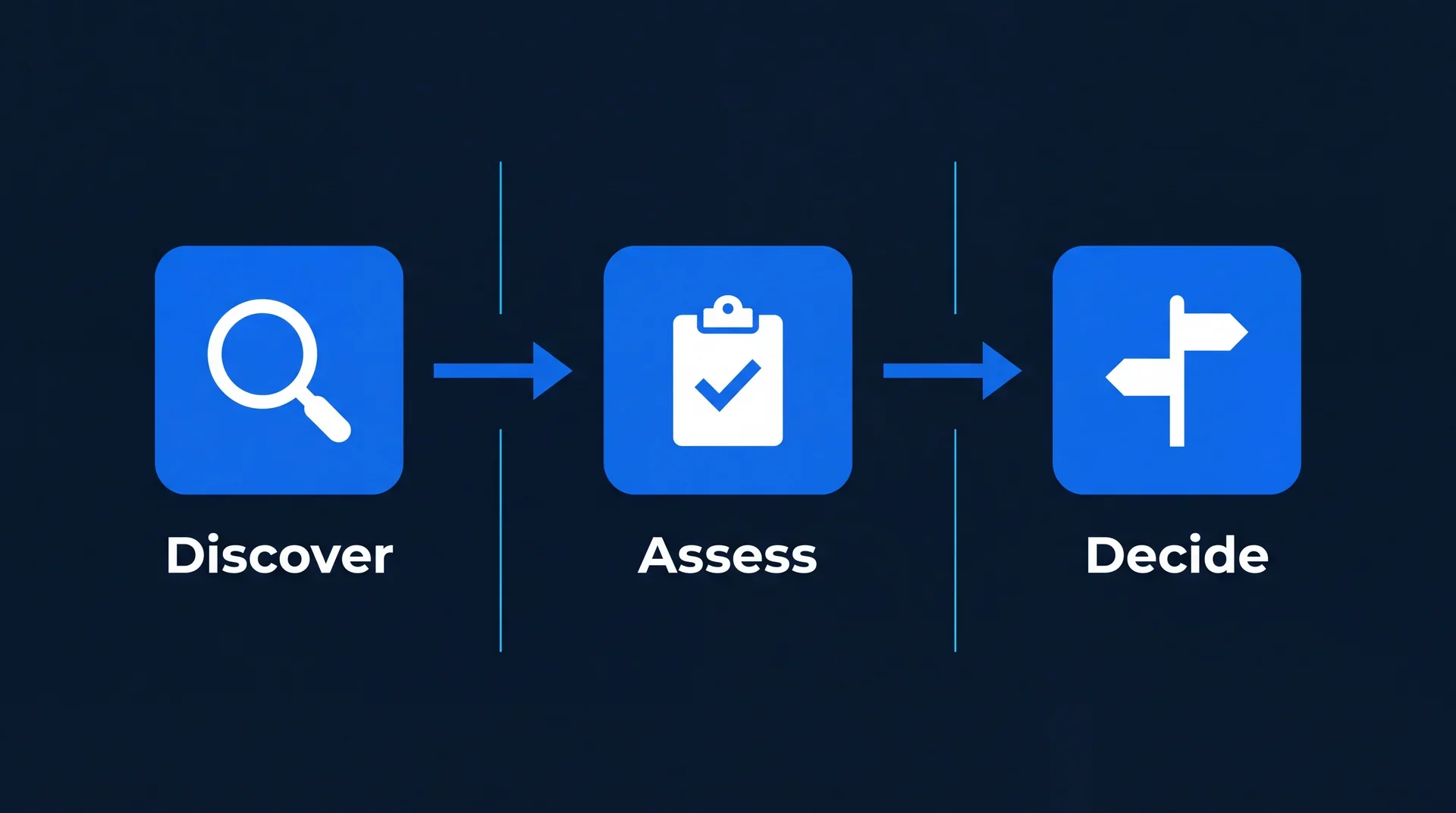
What you are looking for, in priority order
Not all shadow AI is equally risky. Sort what you find by what the tool can reach rather than by how popular it is.
- Tools with a standing connection to company data rank first. An app with delegated access to mailboxes or SharePoint keeps reading after the person forgets it exists, and it survives them leaving.
- Tools used with customer or personal data rank second, because that is where the regulatory exposure sits, and where a breach notification conversation starts.
- Tools used for drafting and summarising public content rank last. This is the bulk of usage and the least of your problems.
Then close the gap
Discovery only helps if it changes something. The most effective response we see is unglamorous: give people a sanctioned option that is genuinely good, then make the boundary clear.
- Provide an approved tool with tenant data protection. For most Microsoft 365 organisations that means Copilot, where prompts and responses stay inside the tenant boundary rather than training a public model. Before switching it on, be honest about permissions, because Copilot surfaces existing oversharing rather than creating it, which is why we published ten SharePoint checks that stop Copilot oversharing.
- Write one line people can remember. Not a policy document. A line, such as: never paste customer data, personal data or anything unpublished into a tool the company has not approved. Detail belongs in the policy, but the line is what people carry.
- Revoke the consent grants you found. Then set up admin consent workflow so the next one has to be asked for rather than assumed.
- Say what people should do when the approved tool cannot do the job. Without a route to ask, the workaround comes straight back.
The organisations that handle this well are not the ones with the strictest rules. They are the ones where asking is easier than working around. If you want help running the discovery pass or standing up an approved option properly, that is part of our AI advisory and enablement work, and the next post in this series covers writing an AI use policy people will actually follow.