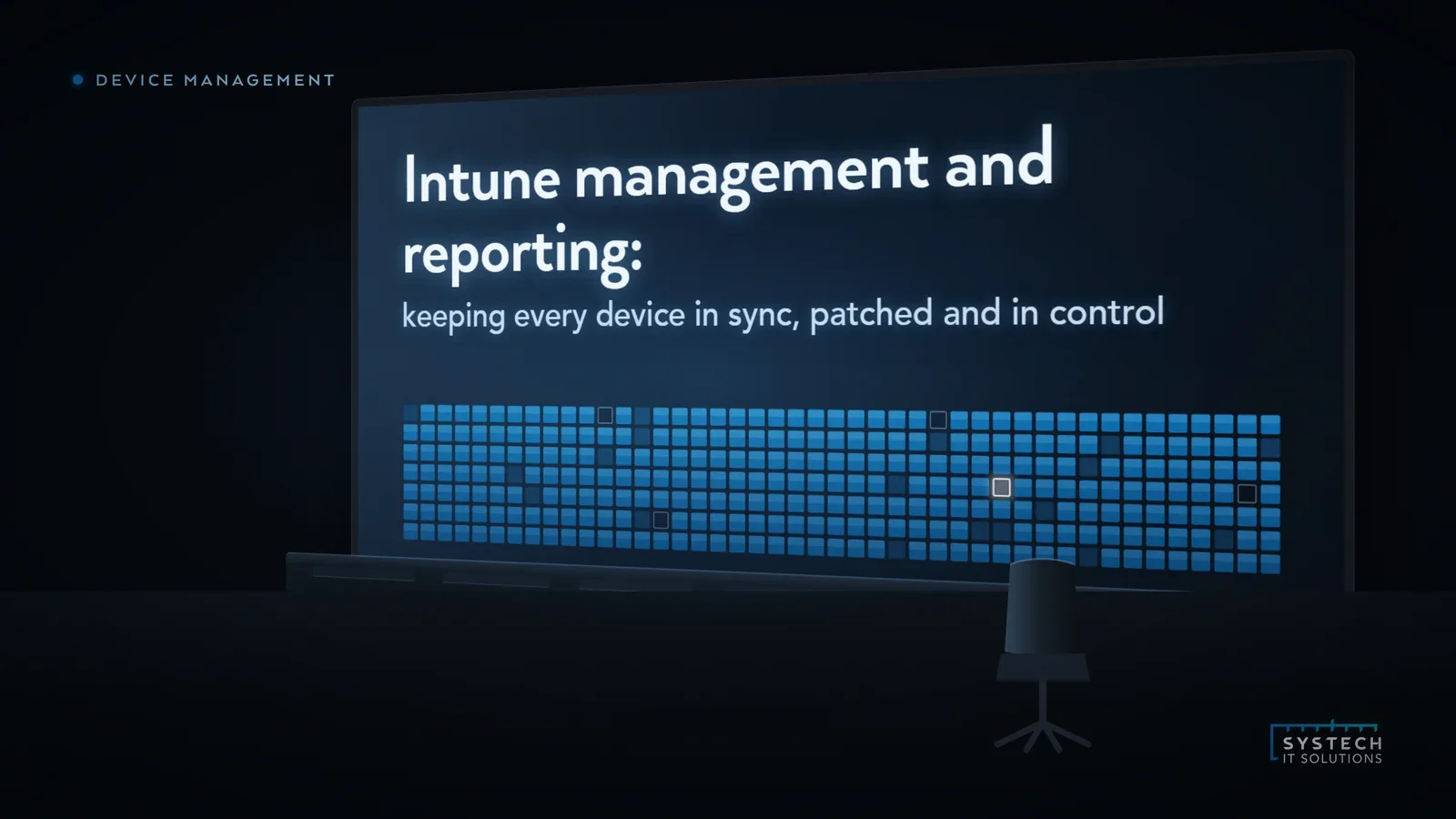
Microsoft Intune is one of the most capable device management platforms most businesses already pay for and barely use. Licences get assigned, a few devices get enrolled, a compliance policy gets created, and then it drifts, because Intune only protects the devices it actually manages, and it only tells you anything useful if someone is reading the reports. Management and reporting are the two halves that turn Intune from a licence into control.
In short: Intune only protects the devices it actively manages, and only surfaces value if someone reads its reports, so getting control from it means running a continuous cycle, enrol, configure, secure, patch and report, not a one-time setup. Reporting is the half most estates skip, and it's the half that makes the other four trustworthy: without it you're managing devices blind.
Here's what good Intune management and reporting actually looks like, and how Systech's managed device service keeps your whole estate in sync, patched and in control.
Why isn't Intune "set and forget"?
The mistake we see most often is treating Intune as a one-time setup: enrol the devices, apply a policy, done. In reality, device management is a continuous cycle. New devices arrive, people leave, apps update, Windows ships patches, compliance drifts, and threats change. Manage it once and it's accurate for about a week.

Each stage of that loop is where control is won or lost:
- Enrol. Every company and personal (BYOD) device brought under management, consistently, using the right enrolment method for each. A device that isn't enrolled is a device you can't see, patch or wipe.
- Configure. Configuration profiles that set devices up the same way every time: security baselines, Wi-Fi and VPN, encryption, browser and OS settings, so nothing depends on a manual build.
- Secure. Compliance policies that define what "healthy" means, paired with Conditional Access so only compliant, managed devices reach your Microsoft 365 data.
- Patch. Windows Update for Business rings, driver and firmware updates, and third-party application patching, managed on a schedule rather than left to each user to ignore.
- Report. Visibility across the estate: what's compliant, what's behind on patches, what failed to install, what's drifted. This is the stage almost everyone skips, and it's the one that makes the other four trustworthy.
Why does Intune reporting matter so much?
Here's the uncomfortable truth about Intune: it will happily tell you a device is non-compliant, three patches behind and hasn't checked in for a fortnight, and nobody will notice, because nobody's looking at the dashboards. Configuration without reporting is a system you hope is working.
"An unmonitored fleet doesn't fail loudly. It drifts quietly, until an audit, an incident or an insurer asks you to prove what state your devices are actually in."
Good reporting answers the questions that matter, on demand: What percentage of the estate is compliant right now? Which devices are missing critical patches? Did the last app deployment actually land everywhere? Which leaver still has a device that was never retired? Without that, you're managing devices blind, and "we have Intune" quietly becomes "we assume Intune is doing its job."
What gaps show up in half-managed Intune estates?
When we take over an Intune environment that's been running unattended, the same issues come up again and again:
- Partial enrolment. A chunk of the estate, often personal devices or a forgotten site, isn't managed at all.
- Compliance policies that don't enforce. Policies exist but aren't tied to Conditional Access, so "non-compliant" carries no actual consequence.
- Patch reporting nobody reads. Update rings are configured, but failures pile up unseen and devices fall months behind.
- Leavers still enrolled. No clean retire-and-wipe process, so ex-employees' devices linger in the tenant.
- No baseline. Every device configured slightly differently because there's no enforced security baseline.
None of these are exotic. They're the natural result of a powerful platform that needs ongoing attention it isn't getting.

How does Systech's managed device service work?
Our managed device service exists to run that whole cycle for you, so Intune actually delivers the control it promises. In practice that means:
- We get every device enrolled and baselined, company-owned and BYOD, with consistent configuration profiles and security baselines applied automatically.
- We define and enforce compliance, tying compliance policies to Conditional Access so only healthy, managed devices reach your data.
- We manage patching end to end: Windows Update rings, driver and firmware, and third-party app updates, on a schedule, with failures chased rather than ignored.
- We watch the reporting, so drift, non-compliance and failed deployments are caught and fixed, not discovered during an audit.
- We handle joiners and leavers, with clean enrolment for new starters and proper retire-and-wipe for departures and lost devices.
- We give you clear reporting, a straight answer on compliance, patch status and device health across the estate, whenever you need it.
"The point of a managed device service isn't more dashboards for you to watch. It's that someone is already watching them, and acting on what they show."
Where does this fit with security and end-user computing?
Device management doesn't sit on its own. Compliant, managed devices are a foundation of a strong Microsoft 365 security posture, because Conditional Access can only trust a device Intune vouches for. It underpins end-user computing too, whether people work on physical laptops or Windows 365 Cloud PCs, the same discipline of enrol, configure, secure, patch and report keeps them fast and safe. If you want to see the detail, our Intune device management checklist walks through the configuration we put in place.
Where this leaves you
If you're paying for Intune but couldn't confidently answer "what percentage of our devices are compliant and fully patched right now?", the platform isn't the problem, the ongoing management and reporting is. Systech's managed device service keeps your whole estate in sync, patched and in control, with the reporting to prove it. It starts with a short call about your current device management and where the gaps are.