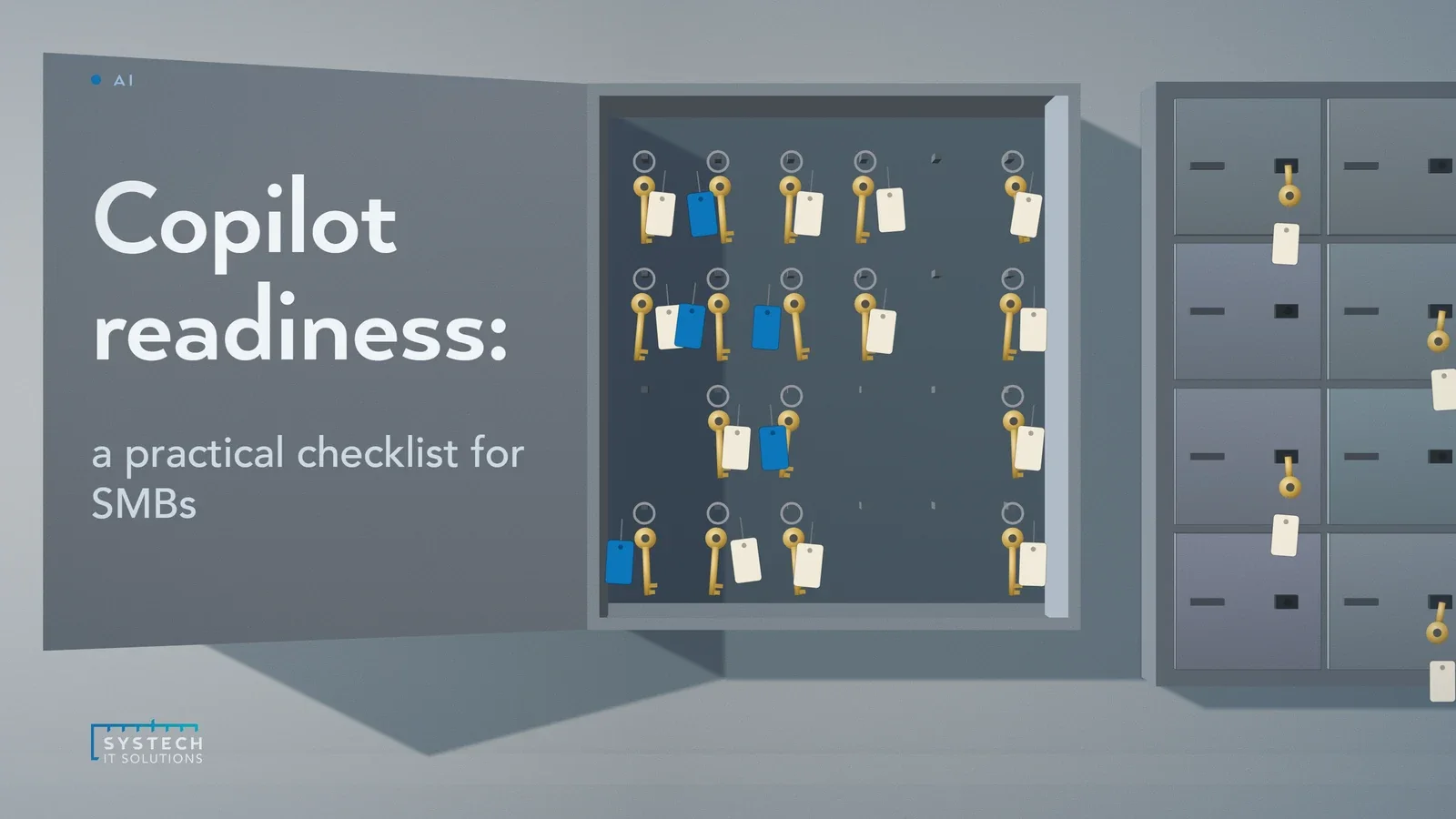
Microsoft 365 Copilot doesn't add a new layer of access control. It works entirely within the permissions your tenant already has, which means it will happily surface anything a user could technically already reach, even if nobody expected them to find it.
In short: To get an SMB ready for Microsoft 365 Copilot, work through five stages in order: audit sharing and permissions across SharePoint, Teams and OneDrive; put governance controls (sensitivity labels, DLP, retention) in place before go-live; scope licensing to a pilot group of 20 to 50 users rather than the whole business; prepare users on both prompting and how Copilot respects tenant permissions; then monitor usage and audit logs continuously afterwards. The permissions audit is the step that gets skipped and the one that matters most, because Copilot surfaces anything a user can already reach.
That's the part most rollout plans miss. Copilot isn't the risk. It's a very good search engine sitting on top of whatever mess already exists in your SharePoint sites, Teams channels and OneDrive shares. If that mess includes years of "anyone with the link" sharing, stale group membership and forgotten guest access, Copilot will find it in seconds and summarise it in plain English. Before you switch it on, it's worth working through the checklist we run with every client.
1. Data and permissions audit
This is the step that gets skipped, and it's the one that matters most. Copilot's answers are only as sensible as the permissions behind them, so before rollout you need a clear picture of who can see what.

- Run a sharing review across SharePoint and OneDrive to find sites and libraries with "anyone with the link" or organisation-wide access
- Check for oversized security groups or "Everyone except external users" grants that were convenient at the time and never revisited
- Identify content that should carry sensitivity labels but doesn't, particularly HR, finance and client data
- Look for orphaned sites and abandoned Teams that still have live membership and no owner keeping an eye on them
None of this is glamorous work, but it's the difference between Copilot being a productivity tool and Copilot being the reason something sensitive ends up in a summary it shouldn't.
2. Governance before go-live
Once you know where the exposure is, get the controls in place to stop it recurring, not just clean it up once.
- Apply sensitivity labels to the content that needs them, and make sure default labelling policies actually catch new documents
- Put DLP policies in place for the data types that matter to your business, client records, financial data, anything contractually sensitive
- Review retention policies so Copilot isn't surfacing content that should have been archived or deleted years ago
- Confirm your labelling and DLP policies are actually enforced, not just configured and left dormant
"Copilot doesn't create the oversharing problem. It just removes the last excuse for ignoring it, because now someone can find it by simply asking."
3. Licensing and scope
Big-bang rollouts to the whole business are tempting and almost always the wrong call. A staged rollout gives you a chance to catch permissions issues, gather real feedback and build a case for wider licensing based on evidence rather than hope.
- Start with a pilot group of 20 to 50 users rather than licensing everyone on day one
- Prioritise roles where the time saving is obvious and measurable: executive assistants drafting correspondence, project managers summarising meetings, finance teams working through spreadsheets
- Use the pilot to test your permissions cleanup under real usage before it's exposed to the whole organisation
- Treat licensing as a phased investment tied to demonstrated value, not a single upfront commitment
4. User readiness
Training for Copilot needs to cover two different things, and most organisations only do one of them. Yes, people need to learn how to prompt it well. But they also need to understand what it's actually doing behind the scenes.
- Teach effective prompting: being specific, referencing the right files or meetings, iterating on answers
- Explain clearly that Copilot's answers reflect real tenant permissions, so if it surfaces something it shouldn't, that's a permissions problem to report, not a Copilot bug to shrug off
- Set expectations that Copilot can be confidently wrong, and answers involving anything sensitive or client-facing should always be checked
- Give users a simple way to flag anything Copilot surfaces that looks like it shouldn't have been visible to them
5. Post-launch monitoring
Readiness isn't a one-off project that finishes at go-live. Sharing habits drift, new sites get created, new guests get invited, and Copilot usage itself generates useful signal about where your permissions still need work.
- Review Copilot usage and audit logs regularly, not just at launch
- Use audit data to spot content that's being surfaced unexpectedly, and trace it back to the permissions that allowed it
- Keep the oversharing review running as an ongoing process rather than a one-time clean-up
- Revisit sensitivity labels and DLP policies as new content types and workflows appear
Why does the order matter so much?
The organisations that get the most out of Copilot are the ones that treat the permissions work as the actual project, with the licensing and rollout as the easy part that follows. Skip the audit and you're not deploying an AI assistant, you're running a very fast, very thorough audit of your own oversharing, live, in front of your users.

If you'd like a clear picture of where your tenant stands before you flip the switch, our AI Solutions team runs a Copilot readiness assessment: a permissions and oversharing review, a governance gap check, and a rollout plan scoped to your business, so Copilot lands as a win rather than a surprise.