+44 (0)1482 770583
 hello@systechitsolutions.co.uk
Ask us which virtual desktop platform you should be on and the honest answer is "it depends", but it depends on things you can actually pin down. Windows 365 and Azure Virtual Desktop solve the same basic problem, a secure desktop your people can reach from anywhere, in genuinely different ways. Pick the wrong one and you'll either overpay for flexibility you never use, or spend months managing infrastructure a simpler product would have handled for you.
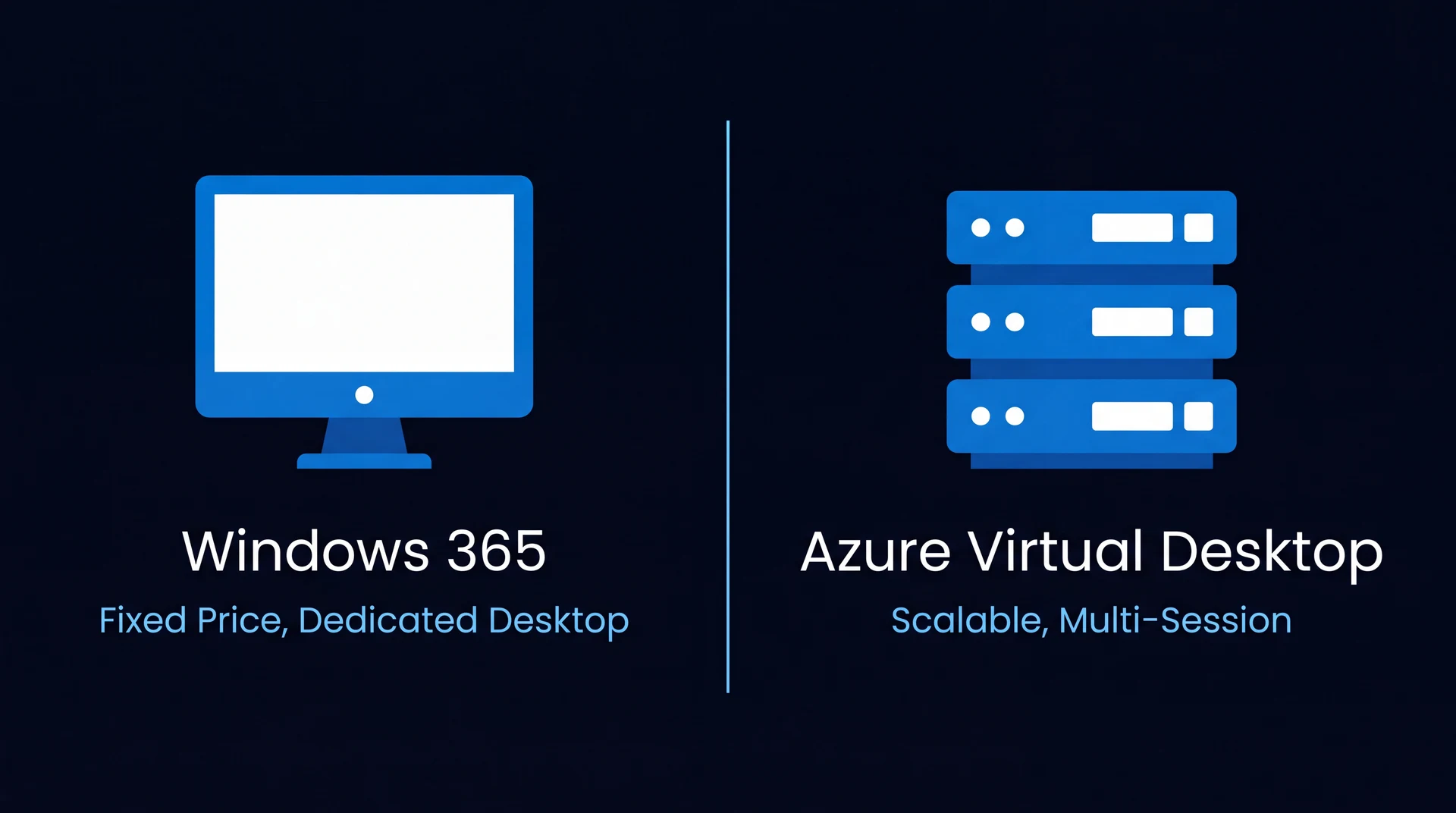
In short: Choose Windows 365 when your headcount is stable and you want a fixed per-user price with no infrastructure to size or manage. Choose Azure Virtual Desktop when your workforce fluctuates, or when you need multi-session pooling, autoscaling or GPU-backed hosts to control cost at scale. Plenty of organisations run both, Windows 365 for permanent staff and AVD for variable or specialist workloads.
Here's how we help clients tell the two apart, and how we decide which one, or which combination, fits.
What are Windows 365 and AVD, exactly?
Windows 365, or Cloud PC, gives each user a dedicated virtual desktop in the cloud, priced per user, per month, at a fixed rate for a given size. It's provisioned like a subscription: pick a spec, assign a licence, and a fully working Windows desktop is ready in minutes. Nothing to size, no host pool to configure, no capacity planning. It's Windows, delivered as a utility.
Azure Virtual Desktop is a platform, not a product. It runs on your own Azure infrastructure, which means you (or whoever manages it for you) choose the VM sizes, decide whether users share multi-session hosts or get dedicated ones, and configure autoscaling rules that add and remove capacity as demand changes through the day. It's far more capable, but that capability comes with genuine design and management responsibility.
Windows 365 vs AVD at a glance
| Windows 365 | Azure Virtual Desktop | |
|---|---|---|
| Pricing model | Fixed price per user, per month | Azure consumption (you pay for the compute you run) |
| Desktop model | Dedicated Cloud PC per user | Dedicated or multi-session (pooled) hosts |
| Scaling | Assign or remove a licence | Autoscaling host pools, up and down by demand |
| Management overhead | Minimal, no infrastructure to size | Full control, needs design, tuning and patching |
| GPU or specialist VMs | Not available | Supported |
| Cost when a seat is idle | Still billed per user | Can be scaled down to reduce it |
| Best for | Stable headcount, simplicity, fast onboarding | Variable headcount, scale, GPU or specialist workloads |
When does Windows 365 win?
If your headcount is stable and you want desktops that just work, Windows 365 is usually the right call.
- Predictable cost. One licence, one price, one line on the invoice per user. No surprise consumption charges at the end of the month.
- Minimal management overhead. There's no host pool to size, no scaling policy to tune, and far less for an internal IT team or managed provider to keep an eye on.
- Fast onboarding. A new starter can have a working, fully provisioned desktop within minutes of a licence being assigned, which matters a lot when you're hiring regularly.
- Consistency. Because every user gets a dedicated machine rather than a shared session host, performance doesn't dip when colleagues are having a heavy day.
The tradeoff is that you're paying for that desktop whether it's in use or not. A dedicated Cloud PC assigned to someone on long-term leave still costs the same as one in daily use, because the compute is reserved to that user rather than pooled.
When does AVD make more sense?
Once your workforce stops being a flat, predictable number, AVD starts to make a lot more financial and operational sense.
- Cost efficiency at scale. Multi-session Windows lets several users share a single host, and autoscaling host pools can spin capacity down overnight or across quiet periods and back up when demand returns. For larger or fluctuating estates that's usually cheaper than a fixed per-user price, once it's tuned properly.
- Seasonal and variable headcount. Retail, hospitality, education, and any business with temporary or task-based staff benefit from being able to provision and de-provision capacity as demand rises and falls, rather than paying for capacity that sits idle most of the year.
- Fine-grained control. Need GPU-backed hosts for design or CAD work, a specific VM series for a specialist application, or different session host configurations for different teams? AVD lets you tailor infrastructure to the workload instead of accepting a fixed spec.
"Windows 365 buys you predictability. AVD buys you flexibility. The businesses that get burned are the ones that pay for flexibility they don't need, or accept fixed cost when their headcount is anything but fixed."
The cost is complexity. Autoscaling rules, host pool sizing, image management and session host patching all need designing and then watching, because a badly tuned AVD environment can just as easily overspend as underspend.
How do you decide between them?
Most of our conversations with clients boil down to three questions.
Is your headcount steady and predictable? If yes, and you want desktops that require no ongoing infrastructure decisions, Windows 365 is almost always the simpler and, in practice, cheaper answer.
Does your headcount fluctuate, or do you need tight control over sizing, GPU access or cost at scale? If yes, and you have the management capacity, either in-house or through a managed partner, AVD's flexibility will pay for itself.
Could it be both? It often is. We regularly design environments where office-based and permanent staff sit on Windows 365 for simplicity, while task workers, contractors or specialist teams with GPU-heavy workloads run on AVD, scaled to demand. There's no rule that says an organisation has to pick one platform for everyone.
Getting it right from the start
The wrong choice here doesn't usually blow up immediately, it shows up six months later as an unexpectedly high invoice or a workforce that's outgrown its desktops. Getting the sizing, the platform mix and the management model right at the outset saves a much more disruptive migration later.
Systech's end-user computing service designs and fully manages both Windows 365 and Azure Virtual Desktop environments, and we're platform-agnostic about which one you end up on, our job is to match the platform to how your business actually works. If you're not sure which fits, our free assessment will tell you, with a straight recommendation and no obligation to act on it.