Run a licence audit on almost any Microsoft 365 tenant and you'll find seats nobody is using, tiers nobody needs, and add-ons nobody adopted. None of it looks like a problem month to month. Add it up over a year and it's usually one of the largest single sources of avoidable IT spend in the business.
In short: Microsoft 365 shelfware comes from four sources: licences still assigned to leavers, users on a higher tier (E5 or E3) than their role needs, third-party tools that duplicate features now bundled into your plan, and pilot add-ons that never reached adoption. The fix is a quarterly licence review using the active-user and last-sign-in reports already in the Microsoft 365 admin centre, cross-referenced against HR leaver records, with tiers assigned by role rather than defaulted org-wide. The savings start the moment a licence is downgraded or removed, with no infrastructure change and no user disruption.
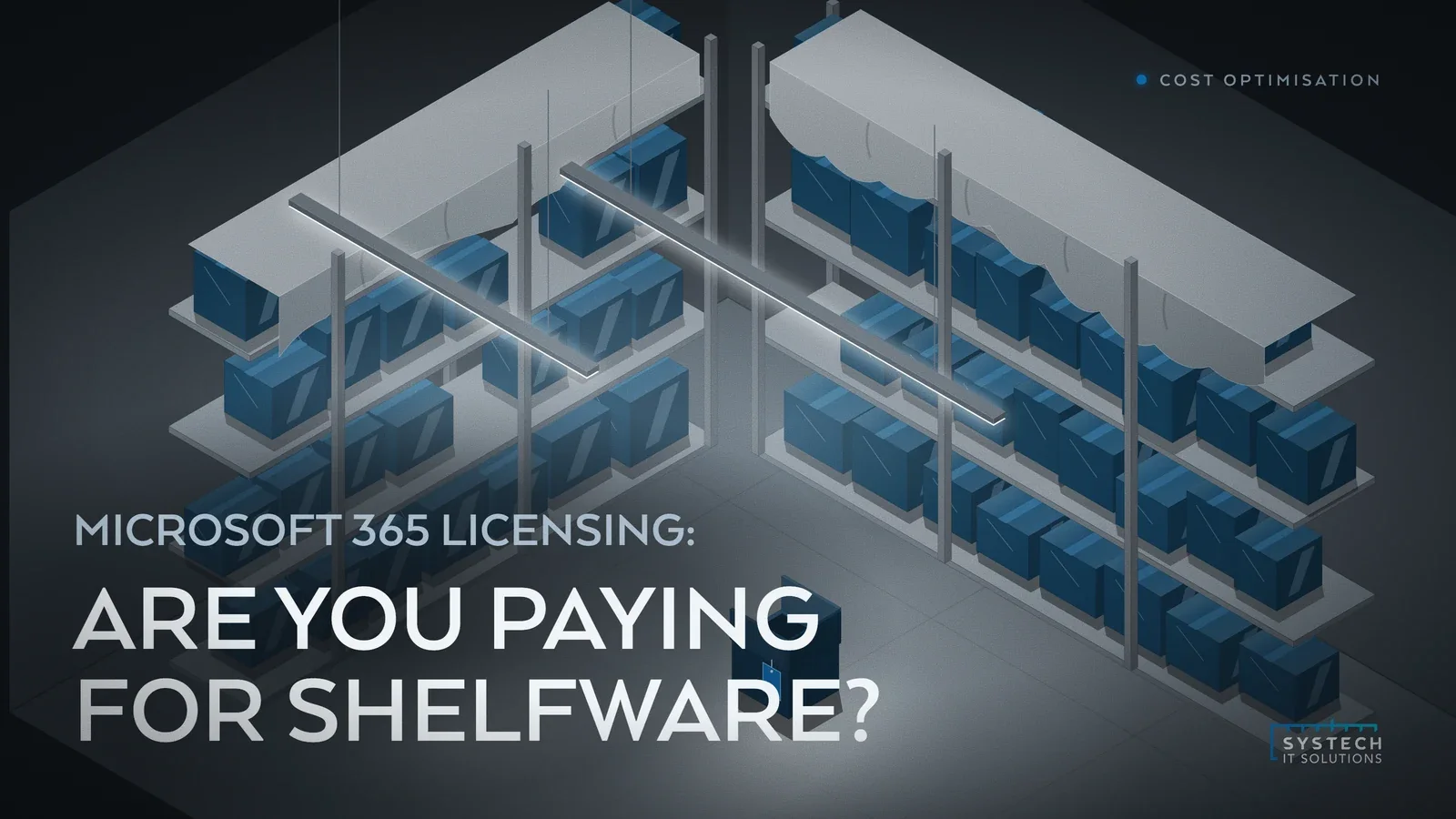
We call it shelfware: licensing you're paying for that delivers nothing. It's rarely one bad decision. It's the slow accumulation of small ones.
1. Leavers whose licences never get reclaimed
Someone leaves the business. IT disables their account, or maybe doesn't even do that promptly, but the licence assigned to them keeps renewing. Nobody actively decided to keep paying for it. It just wasn't anybody's job to switch it off.

This is the most common shelfware we find, and it's almost always a process gap rather than a technology one. Licence removal isn't wired into the leaver checklist, so it falls through. On a business with normal staff turnover, that's a handful of E3 or E5 seats sitting active at any given time, silently renewing for people who haven't logged in for months.
- Leaver process should trigger licence removal, not just account disablement
- Review "last sign-in" against active licence assignments regularly, not just at renewal
- Treat licence reclamation as part of offboarding, owned by IT and HR jointly
2. Over-specified tiers
The second pattern is subtler: the licence is in use, just by someone who doesn't need most of what it includes. E5 carries a premium over E3 for advanced security, compliance and voice features that a lot of users will never touch. If someone's day-to-day is email, Teams and Office apps, E3 (or even Business Premium, depending on tenant size) covers it comfortably.
The mistake usually isn't malicious over-buying, it's defaulting. Rolling out one licence tier to everyone is simpler to manage than tracking who needs what, so that's what happens. The problem is the gap between tiers isn't small, and it's multiplied across every seat that doesn't need the higher one. Twenty people on the wrong tier is a permanent, recurring cost for capability nobody is using.
"Licensing waste is almost never one bad decision. It's death by a thousand small over-provisioned seats, each one too small to notice, together too large to ignore."
3. Duplicate and overlapping tools
Microsoft 365 has quietly absorbed a lot of functionality that used to require third-party tools: e-signature, forms, basic project tracking, file sync and share, even parts of endpoint management. Many businesses are still paying for a separate app licence that a feature already included in their Microsoft 365 plan now covers just as well.
This one is easy to miss because the overlap builds up gradually. A tool gets adopted to solve a problem, Microsoft later ships an equivalent, and nobody goes back to check whether the old subscription is still earning its keep. Worth reviewing against your current tenant's included features at least once a year, since Microsoft adds capability to existing plans more often than most IT teams track.
4. Add-ons bought during a rollout and never adopted
Viva modules, Power BI Pro seats, extra Teams Phone licences, Copilot add-ons bought ahead of a wider rollout. These are usually bought with good intentions during a project or pilot, and then the project moves on and the licences don't get revisited. Adoption never reaches the level that justified the purchase, but the subscription auto-renews regardless.
- Set a review date at the time of purchase for any pilot or rollout licensing
- Check actual usage before renewal, not just before purchase
- Be willing to scale add-ons back down, not just up
How do you actually audit for shelfware?
None of this requires new tooling. The Microsoft 365 admin centre already holds real usage data, active user reports, last sign-in activity, licence assignment versus usage, most businesses simply never look at it. A quarterly licence review, tied explicitly to the HR leaver process rather than left to renewal time, catches the majority of this before it compounds.

The other half is right-sizing by role rather than by default. Not everyone needs the same tier, and deciding licence assignment by job function rather than convenience is usually a one-off exercise that then just needs maintaining.
- Quarterly licence review, cross-referenced against HR leaver and starter records
- Usage reporting from the admin centre reviewed, not just collected
- Licence tiers assigned by role and actual need, not defaulted org-wide
- Renewal dates for add-ons and pilots treated as a decision point, not an autopilot
Where this fits
This is exactly the kind of waste our cost optimisation service is built to find, alongside the Azure-side spend we cover elsewhere. It's one of the fastest wins available in IT because the savings start the moment a licence is downgraded or removed, with no infrastructure change and no user disruption.
If you haven't run a licence audit in the last year, a short call is a straightforward way to start finding out what you're carrying that you no longer need.