Ask which Microsoft 365 licence a growing business should default to, and Business Premium is almost always the right starting answer. It bundles the productivity apps your team already expects with a genuine security stack, at a per-user price built specifically for organisations up to 300 seats.
In short: Microsoft 365 Business Premium is the best-value licence for most organisations under 300 users, because it bundles the full Office apps with a real security and device-management stack, Intune, Entra ID P1, Defender for Business, Windows Autopilot and Azure Information Protection P1, for a modest premium over Business Standard. Bought as separate add-ons those pieces cost far more, and its Defender for Business endpoint protection is genuinely better value than the equivalent on E3. It stops being an option only above 300 seats, or where advanced compliance features push you to E5.
Here's what's actually in it, why the 300-user cap matters more than people think, and when it isn't the right answer.
What's actually included in Business Premium?
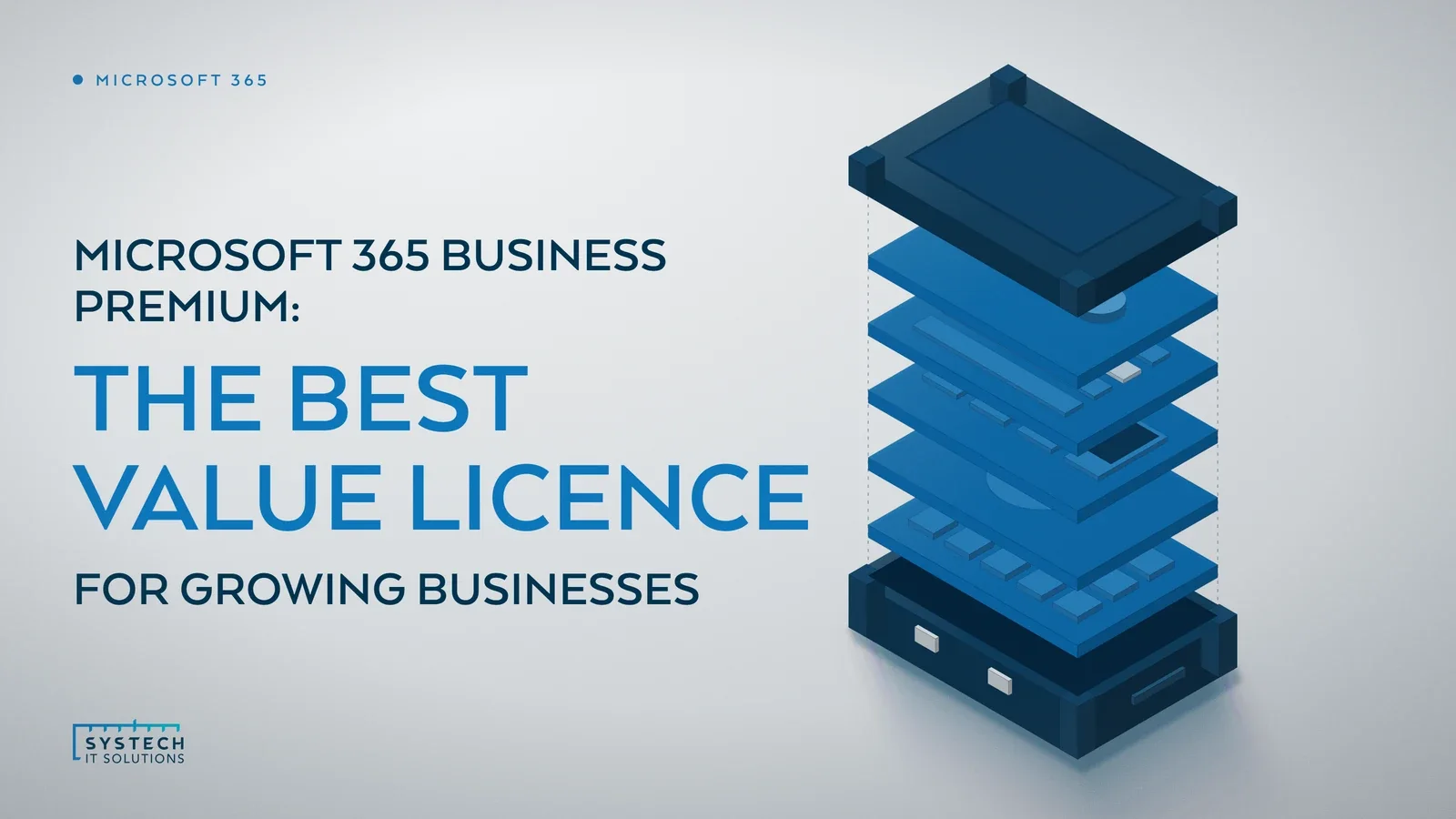
Business Premium isn't just Business Standard with a higher price tag. On top of the familiar apps, it bundles a proper security and device management stack that most growing businesses would otherwise have to buy piecemeal.
- The full Office apps, desktop, web and mobile, plus Exchange, Teams, SharePoint and OneDrive, same as Business Standard.
- Intune, for centrally managing and enforcing policy on every device that touches company data.
- Entra ID P1, for conditional access, group-based access policies and stronger sign-in controls.
- Defender for Business, real endpoint detection and response, not just antivirus.
- Windows Autopilot, so new devices provision themselves against policy rather than being built by hand.
- Azure Information Protection P1, for basic classification and protection of sensitive documents.
Buy these as separate add-ons on top of Business Standard, and the cost adds up fast. Business Premium bundles them for a modest per-user premium instead.
The point worth dwelling on is that these aren't token inclusions. Intune plus Entra ID P1 is the combination that lets you enforce conditional access, so a sign-in from an unmanaged or non-compliant device can be challenged or blocked, and wipe company data from a lost or stolen phone without touching the owner's personal content. Defender for Business brings the same endpoint detection and response engine that underpins Microsoft's enterprise Defender product, tuned for smaller teams to run without a dedicated security analyst. Windows Autopilot means a new starter's laptop can be shipped straight from the supplier and configure itself against your policies on first boot, no manual imaging. Individually each closes a real gap; together they're the difference between a productivity suite and a managed, defensible environment.

Why does the 300-user cap actually matter?
Business Premium is capped at 300 users. Some businesses read that as a limitation. It's actually the point: this licence is priced and packaged specifically for the SMB segment, not scaled down from Enterprise. Once you cross 300 seats you have to move to the E3/E5 family regardless of what you actually need, so it's worth planning your growth curve against that ceiling rather than being surprised by it at your 301st hire.
The cap applies to Business Basic, Business Standard and Business Premium combined across the tenant, not to each plan separately, so a business running a mix of those still counts every seat against the same 300 ceiling. If you're approaching it, the sensible move is to model the E3 jump early, both the per-user cost step and which of Business Premium's bundled pieces you'd need to re-add as E3 add-ons, rather than treating the migration as a surprise forced on you mid-growth. Handled deliberately it's a planned transition; handled reactively at hire 301 it tends to mean a rushed re-licensing exercise at renewal.

The detail most comparisons miss
Here's the part that usually gets overlooked when businesses compare Business Premium against jumping straight to Enterprise licensing.
"Microsoft 365 E3 doesn't include Defender for Business. It includes Defender for Office 365 Plan 1, which protects email and collaboration, not endpoints. Real endpoint detection and response only appears in E3 as a costly add-on, or by moving all the way to E5."
For a business under 300 seats, that makes Business Premium's endpoint protection genuinely better value than the equivalent coverage on E3, not just a smaller, cheaper version of it. You're not trading capability for price, you're getting endpoint EDR bundled in at a price point Enterprise licensing doesn't offer without paying considerably more.
Who should look elsewhere?
Business Premium isn't the right fit for everyone.
- Organisations over 300 users have no choice, E3 or E5 is the only path, regardless of feature needs.
- Businesses needing advanced compliance, Premium eDiscovery, Insider Risk Management, granular DLP across every workload, need E5 or its add-ons.
- Organisations already on E5 for other reasons, Teams Premium, Power BI Pro, advanced voice, may already have overlapping coverage worth reviewing rather than replacing.
Where this leaves you
Most businesses under 300 users default to Business Standard because it's the familiar option, then bolt on security piecemeal as gaps get noticed, usually after an incident rather than before one. Business Premium's licence cost increase over Standard is modest against what those add-ons would cost bought separately, and it closes the device management and endpoint security gap most SMBs don't realise they have until it matters. Our Microsoft 365 licensing and support service runs reviews that map your actual usage and risk against the right tier, Business Premium included, and handles the migration if a change makes sense.